From Billing Register to Optical Software: A Simple 7-Day Switch Plan
Many optical shop owners know they should move to software, but worry about the change. "What about my old records?" "Will my staff learn it?" "What if sales stop for a day?"
The truth: switching takes about a week, and sales never have to stop. Here is a simple 7-day plan any optical shop can follow with Opticdigit.
Signs it is time to switch
- You cannot find a customer's old prescription quickly.
- You do not know exactly how many frames you have.
- Balances from advance payments get missed.
- Udhaar is written in a separate notebook, and nobody is sure who still owes what.
- Month-end GST totals take hours.
- Customers do not come back for check-ups because nobody reminds them.
If two or more of these sound familiar, it is time.
The 7-day switch plan
Day 1: Set up your shop.
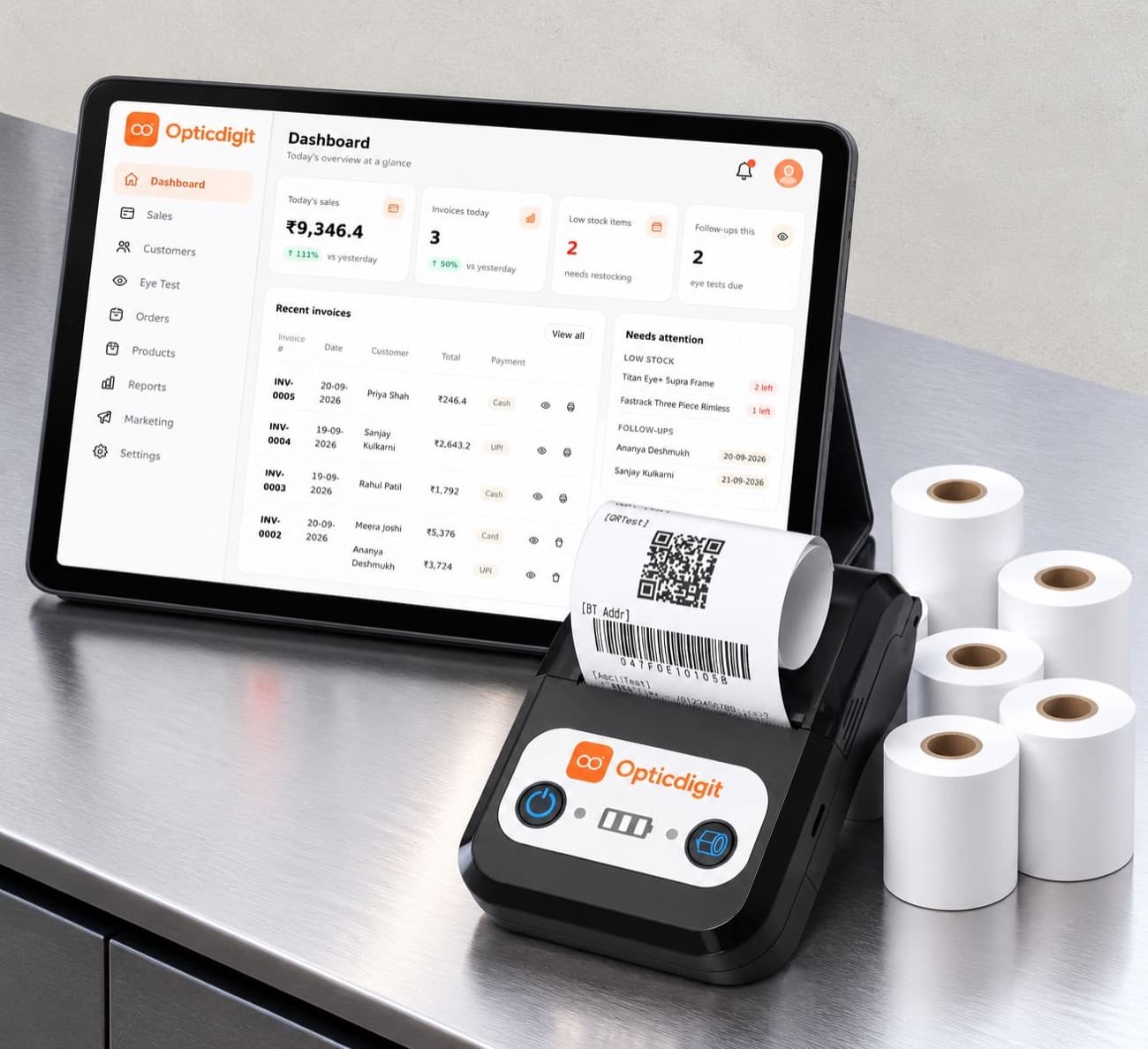
Add your shop name, address, GST details (if registered), logo and bill format. Connect your Bluetooth thermal printer.
Day 2: Add your top-selling items.
Start with lenses you sell most, popular frames and contact lenses. Set the HSN code and GST rate for each.
Day 3: Start billing new customers.
Bill every new customer in Opticdigit, with their prescription. Keep the register only as a backup.
Day 4: Add regular customers.
Enter prescriptions of your regular customers as they visit, or a few each evening. On Premium and above, move your udhaar book into the credit ledger at the same time, so every pending amount sits with the customer.
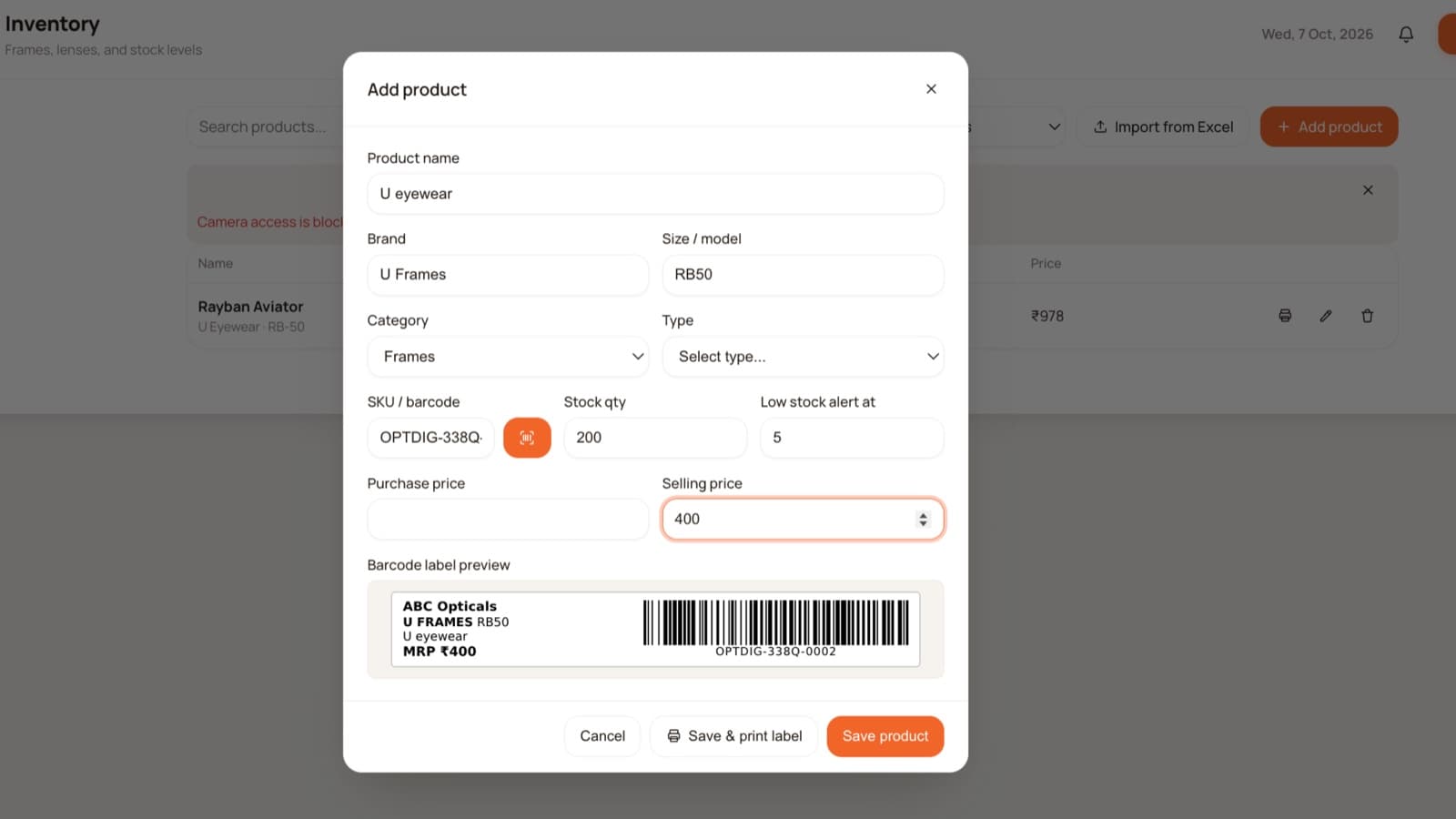
Day 5: Print barcode labels.
Label one tray or one brand of frames. Start scanning at billing.
Day 6: Turn on SMS reminders and WhatsApp bills.
Turn on automatic SMS so thank-you messages and reminders go out under your shop's name, and start sharing bills with customers on WhatsApp as a PDF.
Day 7: Check your first reports.
Look at the week's sales, collection and stock. Compare with your register one last time. From now, the register can retire.
Tips for a smooth switch
- Pick a quieter week. Avoid Diwali and wedding season rush.
- Train one person first. They can then train the rest.
- Use the language staff prefer. The Opticdigit app works in 10 languages: English, Hindi, Marathi, Kannada, Gujarati, Tamil, Telugu, Malayalam, Bengali and Punjabi.
- Do not enter everything at once. Old records can be added gradually.
- Don't worry about network cuts. Offline billing works on every plan, and bills sync when the internet is back.
What changes after the switch
| Before | After Opticdigit |
|---|---|
| Searching pages for a prescription | Search by mobile number in seconds |
| Guessing stock | Stock updates with every sale |
| Missed balances | Advance and balance tracked on every bill |
| Udhaar in a notebook | Credit ledger with UPI/QR collection (Premium and above) |
| Hours on month-end totals | Reports ready anytime |
| No reminders | Automatic SMS reminders |
Available everywhere
Opticdigit is cloud-based optical shop software built by a team in India, for optical shops all over India, from small shops to big businesses, including enterprises and optical chains. Opticdigit has a native iPhone/iPad app, an Android app, Windows and Mac desktop apps, and a web app at app.opticdigit.com, with offline billing on every plan.
Frequently asked questions
Will I have to stop sales while switching?
No. You start billing new customers in Opticdigit from day 3 and keep the register as a backup until you are comfortable.
Do I need to enter all old records?
No. Start with regular and recent customers. Others can be added when they visit.
How long does it take staff to learn Opticdigit?
Most staff learn basic billing in a day, especially in the language they are comfortable with.
What about my udhaar (credit) book?
On Premium and above, Opticdigit has an udhaar (credit) ledger. Enter what each customer owes, and collect it by UPI or QR code. The balance updates on its own.
Do I need a computer?
No. An iPhone, iPad, Android phone or tablet with the Opticdigit app, plus a Bluetooth thermal printer if you want printed bills, is enough. If you prefer a computer, there are Windows and Mac desktop apps and a web app at app.opticdigit.com.
Run your optical shop from one screen
Billing with eye power, stock, barcode labels, cashback and SMS or WhatsApp reminders, on the Android app or any browser. Plans from ₹2,500 a year.
Keep reading
 GUIDES · 7 MIN
Optical Shop Management Software in India (2026): A 10-Point Checklist
Optical shop management software: a 10-point checklist (Rx, GST, barcodes, reminders, offline) and how Opticdigit covers each point. From ₹2,500 a year.
 FEATURES · 4 MIN
Prescription Management for Optical Shops: Never Lose a Customer's Eye Power Again
Save every customer's eye number (SPH, CYL, AXIS, ADD and PD) on the bill, track lens orders from lab to delivery, keep BP, sugar and IOL records, and send check-up reminders.
 FEATURES · 9 MIN
GST Billing Software for Optical Shops in India (2026): Rates, HSN Codes and Fast Bills
GST billing software for optical shops: mixed GST rates on one bill, HSN per item, eye power on the invoice, e-invoices and GST returns. See how it works.