Bluetooth Thermal Printer Billing for Optical Shops: Print Bills Without a Computer
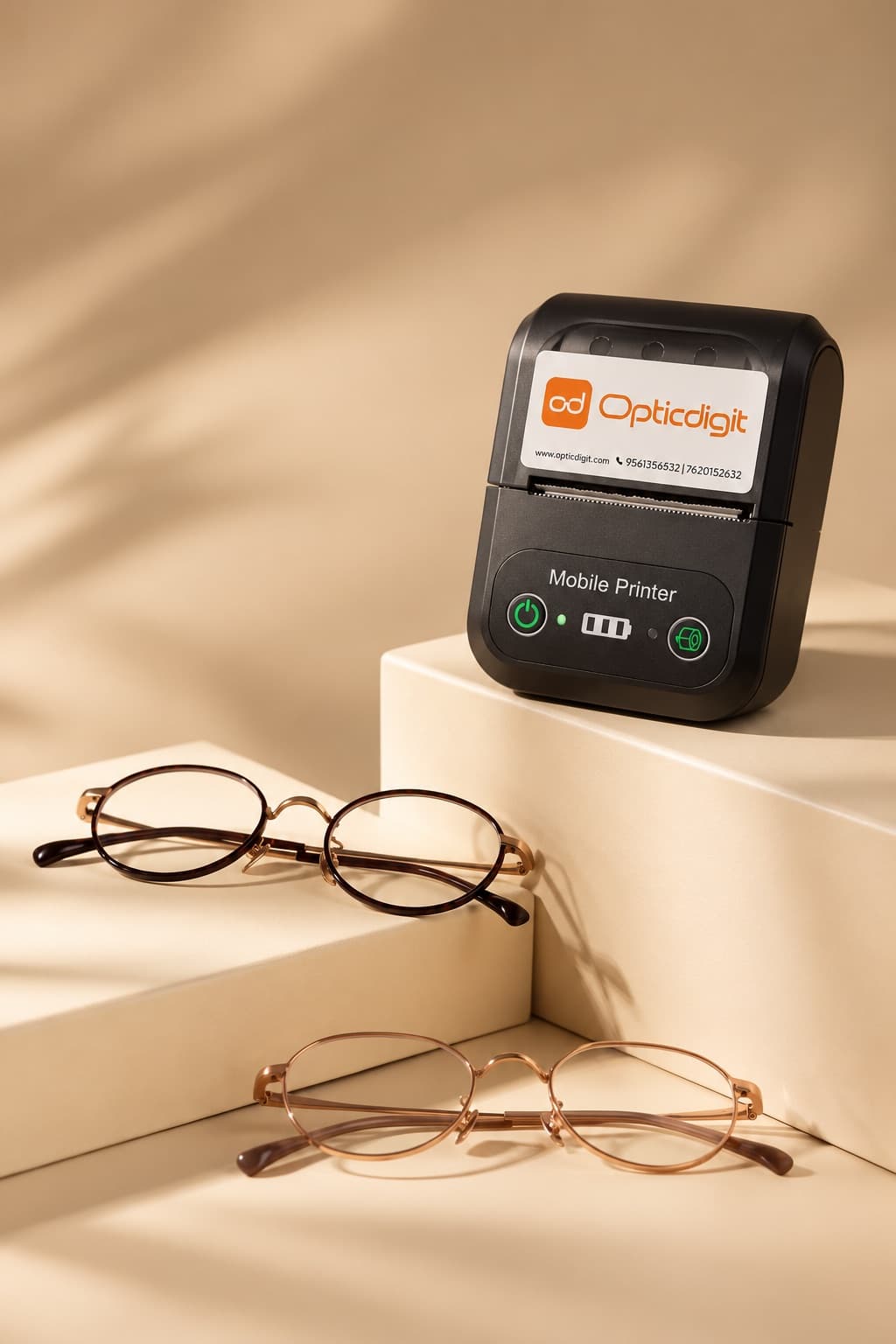
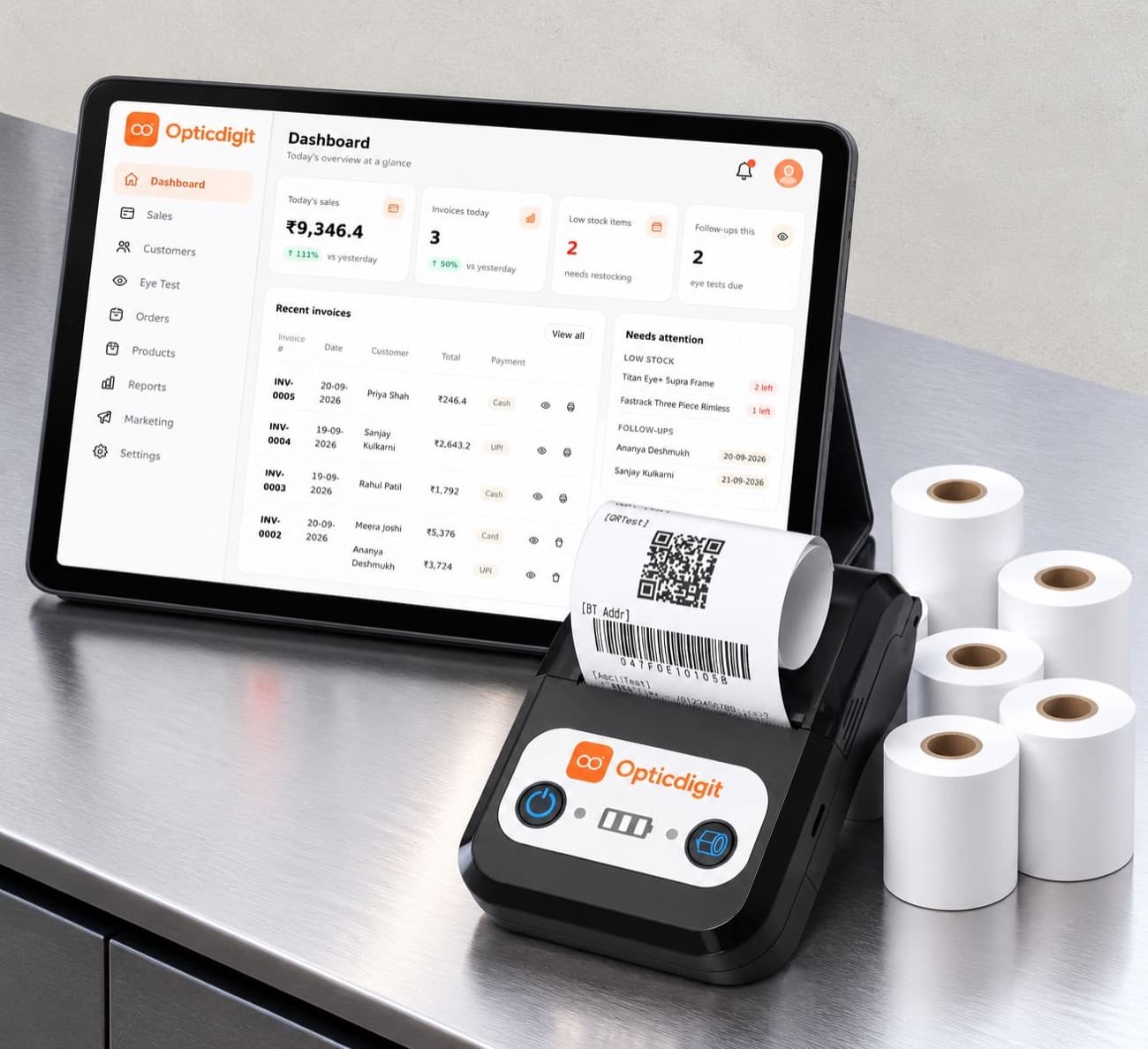
A printed bill makes your shop look professional. But the old setup of a computer, a big printer, cables and ink is costly and takes space. A small **Bluetooth thermal printer** does the same job for a fraction of the cost, and **Opticdigit prints to it directly**.
Why thermal printers suit optical shops
- No ink or toner. Thermal printers use heat-sensitive paper rolls.
- Small and wireless. Fits on any counter and connects by Bluetooth.
- Fast. A bill prints in seconds.
- Low cost. Much cheaper than a computer and regular printer setup.
- Works with a phone or tablet. No desktop computer setup needed.
58 mm or 80 mm?
| 58 mm | 80 mm | |
|---|---|---|
| Size | Compact, portable | Larger |
| Bill width | Narrow, enough for most optical bills | Wider |
| Cost | Lower | Higher |
| Best for | Small and medium optical shops | High-volume counters |
For most optical shops, a 58 mm Bluetooth printer is enough.
The problem with most billing apps
Many billing apps cannot print to a Bluetooth printer directly. They need a separate printer app in between: share the bill, open the printer app, choose the printer, then print. It is slow, and staff often skip it.
How printing works in Opticdigit
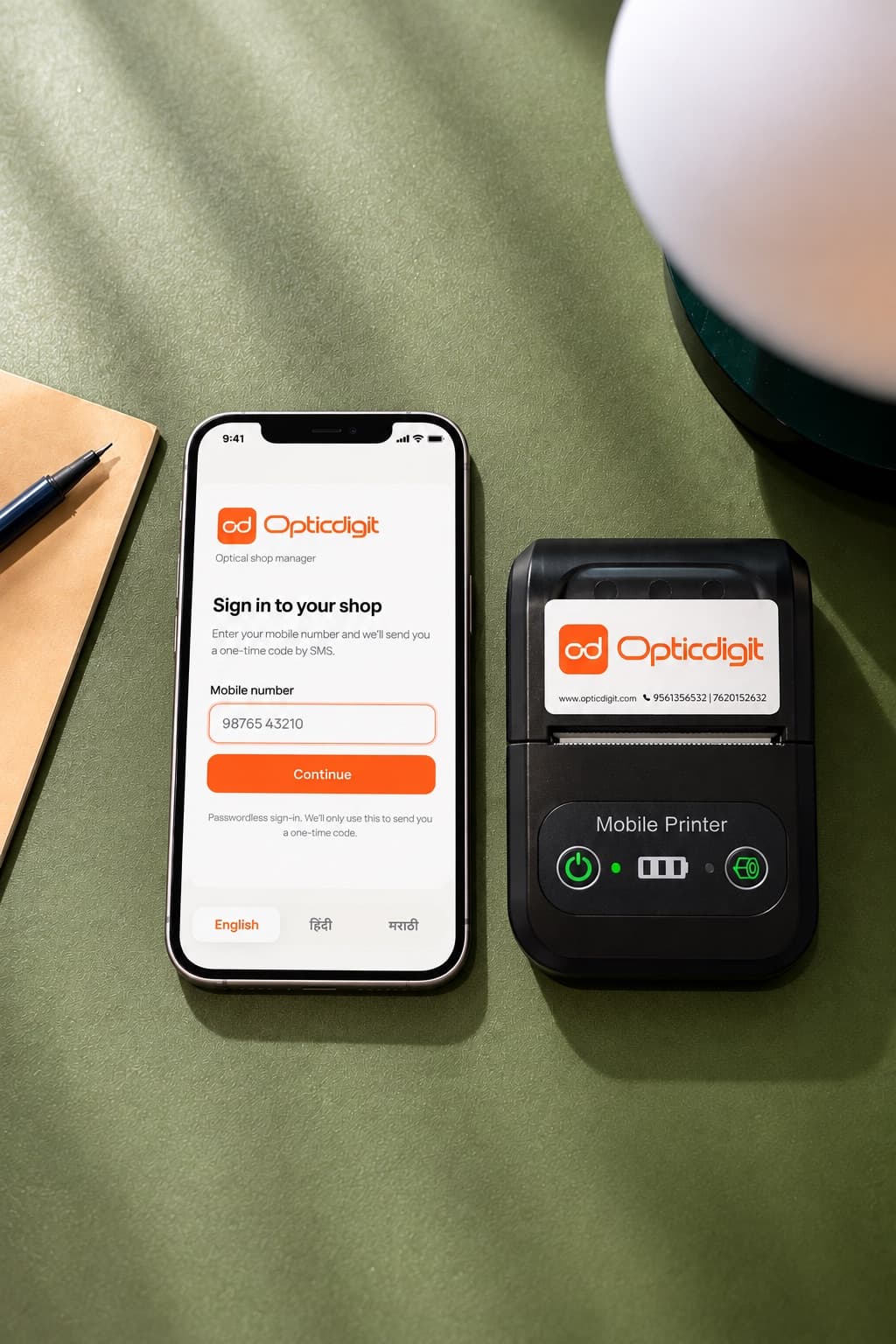
- Direct printing, built in. Print bills from any Opticdigit app straight to your Bluetooth thermal printer, on every plan. No extra printer app.
- One-time pairing. Pair the printer once and print with one tap after that.
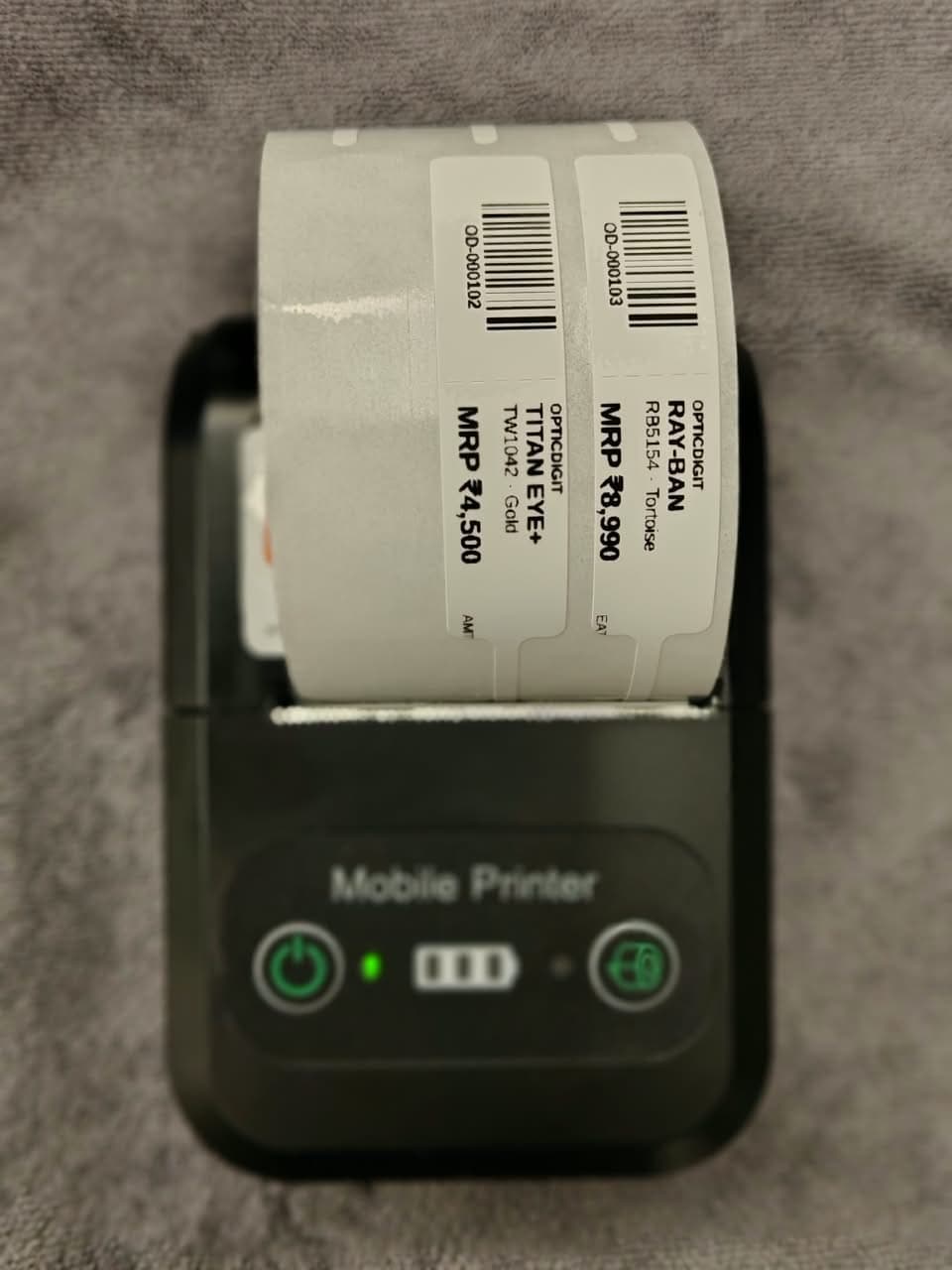
- Bills and barcode labels. Premium Pro and Pro Ultra include a 2-in-1 printer that prints both bills and barcode labels for frames and accessories.
- Bluetooth, not Wi-Fi. The printer talks to your phone or tablet over Bluetooth, so it needs no network of its own.
- WhatsApp copy as well. You can also share the bill with the customer on WhatsApp from your shop's own number in one tap.
- Printer on higher plans. Premium Pro and Pro Ultra include a 2-in-1 bill and barcode printer with a starter pack of rolls, yours to keep. On Basic and Premium you can pair a Bluetooth thermal printer you buy yourself.
Tips for trouble-free printing
- Keep the printer charged and turn it on before opening the shop.
- Keep spare paper rolls at the counter.
- Store rolls away from heat and sunlight; thermal paper fades in heat.
- If a print fails, check Bluetooth is on and the printer is paired.
Use Opticdigit anywhere
Opticdigit is cloud-based optical shop software built by a team in India, for optical shops all over India, from small shops to big businesses, including enterprises and optical chains. Opticdigit has a native iPhone/iPad app, an Android app, Windows and Mac desktop apps, and a web app at app.opticdigit.com, with offline billing on every plan, with the app in 10 languages (English, Hindi, Marathi, Kannada, Gujarati, Tamil, Telugu, Malayalam, Bengali and Punjabi). Bluetooth bill printing works from every Opticdigit app.
Frequently asked questions
Do I need a separate app to print bills?
No. Every Opticdigit app (iPhone, iPad, Android, Windows and Mac) prints directly to a Bluetooth thermal printer.
Which printer size is best for an optical shop?
A 58 mm Bluetooth thermal printer is enough for most optical shops.
Can I print without internet?
Yes. The printer connects over Bluetooth, so printing needs no internet, and offline billing is included on every plan, so you can create and print bills during a network cut. They sync when you are back online.
Is a printer included with Opticdigit?
On Premium Pro and Pro Ultra, yes: a 2-in-1 bill and barcode printer is delivered with a starter pack of barcode rolls and stickers, and it is yours to keep. Basic and Premium do not include a printer, but you can print to any compatible Bluetooth thermal printer you buy.
Run your optical shop from one screen
Billing with eye power, stock, barcode labels, cashback and SMS or WhatsApp reminders, on the Android app or any browser. Plans from ₹2,500 a year.
Keep reading
 FEATURES · 6 MIN
Barcode Stock Management for Optical Shops: Label Every Frame, Bill in One Scan
Label every frame, bill in one scan and count stock in minutes. Barcode labels on a Bluetooth printer with Opticdigit.
 FEATURES · 6 MIN
Optical Shop Billing App for Android, iPhone and Desktop: Bill on Any Device with Opticdigit
Run your optical shop from the Opticdigit Android app, iPhone/iPad app, Windows or Mac desktop app, or web app: GST bills, prescriptions, barcodes, Bluetooth printing, offline billing.
 FEATURES · 9 MIN
GST Billing Software for Optical Shops in India (2026): Rates, HSN Codes and Fast Bills
GST billing software for optical shops: mixed GST rates on one bill, HSN per item, eye power on the invoice, e-invoices and GST returns. See how it works.