Barcode Stock Management for Optical Shops: Label Every Frame, Bill in One Scan
Ask any optical shop owner how many frames they have in stock and the honest answer is usually "around 400, maybe 500". Frames look alike, models repeat across brands, and prices are often written on a small sticker that falls off. That is exactly where stock goes missing and billing mistakes start.
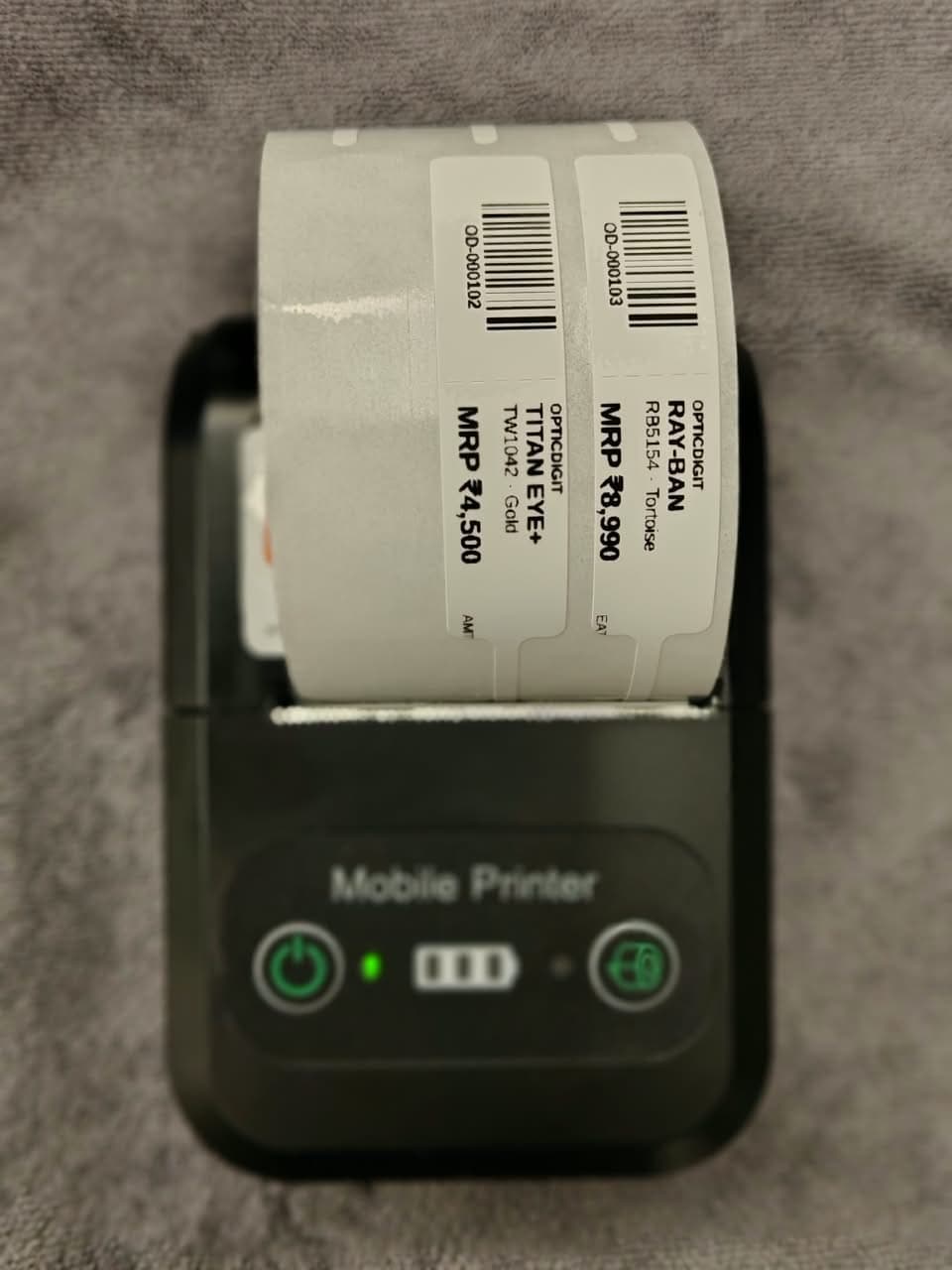
Barcode labels fix this. Every frame gets a label, every sale is one scan, and your stock count updates on its own. Here is how barcode management works in an optical shop and how Opticdigit makes it simple.
Why optical shops need barcodes
- Hundreds of similar-looking frames. Same shape, different brand, different price. A barcode removes the guesswork.
- Wrong price at billing. When staff type the price from memory, mistakes happen. A scan picks the right item and the right price every time.
- Stock that does not match. Without barcodes, you only find out a frame is missing during a full count, if ever.
- Slow stock counting. Counting frames by hand takes hours. Scanning takes minutes.
- Reordering blind. If you do not know what is selling, you reorder the wrong models.
What to label (and what not to)
Label these: frames, sunglasses, ready readers, contact lens boxes, solutions, cases and accessories. These are physical items sitting on your shelf.
No label needed: prescription lenses that you order per job from a lab. Those are added to the bill by power and type, not scanned.
How other optical software handle barcodes
When we looked at optical and billing software in India, barcode support came in three forms:
- Scan-only. Some apps can read the manufacturer's barcode but cannot print your own. That does not help, because most frames from local distributors come with no barcode at all.
- Print with a big label printer. Many tools print barcode labels, but expect a desktop label printer connected to a computer. That means extra cost and one more machine on the counter.
- Barcode plus QR mix. Some offer both. In practice, a shop only needs one system that every scanner can read.
The common gaps: extra hardware, setup that needs a technician, and labels too big for a slim frame temple.
How barcode management works in Opticdigit
We built barcode labelling into Opticdigit because our shop owners asked for it, and we kept it as simple as our billing:
- Generate a barcode for every item. Add a frame, sunglass or accessory and Opticdigit creates its barcode automatically.
- Print on a small Bluetooth printer. Labels print straight from Opticdigit to a compact Bluetooth printer, the same way our bills print. No separate label software. Premium Pro and Pro Ultra include a 2-in-1 bill and barcode printer, a starter pack of barcode rolls and stickers, and full stock labelling by our team.
- Slim labels for frames. Use small tag-style labels that fit on a frame temple or price tag without covering the design.
- Scan to bill. Scan the label at the counter and the item, price and tax are added to the bill instantly.
- Stock updates on every sale. Each scan reduces stock, so you always know what is left.
- One standard, everywhere. Opticdigit uses barcodes across the shop, so any regular barcode scanner can read them.
Setting up barcodes in your shop: a simple plan
- Start with frames. They are your highest-value stock. Add each model with brand, colour, size and price.
- Print and stick labels in batches. Do one tray or one brand at a time.
- Train staff to scan, not type. For one week, make "scan first" the rule at the counter.
- Add sunglasses and accessories next.
- Do your first scan count. Compare the count in Opticdigit with what is on the shelf and fix any gaps once.
- Label new stock the day it arrives. This one habit keeps your stock correct forever.
What you gain
- Faster billing at the counter, especially on busy Sundays and festive days.
- Correct prices on every bill.
- A clear view of what is selling and what is sitting idle.
- Less stock loss, and you notice it early when it happens.
- Stock counts in minutes instead of a full day.
For the full stock routine, from receiving to reordering, read our guide to optical shop inventory management. To choose the printer itself, see thermal printers for optical shop bills.
Use Opticdigit on iPhone, Android, Windows, Mac or the web: cloud-based and always in sync
Opticdigit is cloud-based optical shop software, built by a team in India, for optical shops all over India, from small shops to big businesses, including enterprises and optical chains. Use it the way that suits your shop:
- Phone and tablet apps: a native iPhone/iPad app and an Android app. Bill at the counter and print to a Bluetooth printer.
- Desktop apps: install Opticdigit on a Windows PC or a Mac.
- Web app: open app.opticdigit.com in any browser on a tablet, laptop or computer. No local server needed.
- Cloud-based: your data is safely backed up online, and the same account works on every device.
- Offline billing on every plan: if the network drops, keep billing. Bills sync when the internet is back.
- 10 languages: the app works in English, Hindi, Marathi, Kannada, Gujarati, Tamil, Telugu, Malayalam, Bengali and Punjabi, so your staff can work in the language they are comfortable with. Demos and training are in English and Hindi, plus Marathi.
Whether your shop is in Kolhapur, Satara, Sangli, Pune, Mumbai or anywhere else in India, you can start with Opticdigit on the devices you already have.
Frequently asked questions
Do I need a computer to print barcode labels with Opticdigit?
No. Labels print from any Opticdigit app, on a phone, tablet or computer, to a Bluetooth printer, the same way bills are printed. Premium Pro and Pro Ultra include a 2-in-1 printer for both bills and barcode labels.
Can I use the barcodes already printed on branded frames?
Opticdigit generates its own barcode for each item so every product in your shop follows one system, including frames from local distributors that come without a barcode.
Will a label damage or cover the frame?
Use small tag-style labels that hang from or wrap around the temple. They come off cleanly at delivery.
Do I need barcodes for prescription lenses?
No. Prescription lenses ordered for a customer are billed by power and type. Barcodes are for items you keep in stock.
Is Opticdigit available all over India?
Yes. Opticdigit is used by optical shops all over India, from small shops to big businesses, including enterprises and optical chains. It is built by a team in India and used by optical shops all over India, including Maharashtra (Mumbai and Pune), Karnataka, Tamil Nadu, West Bengal (Kolkata), Delhi, Uttarakhand and Assam (Guwahati).
Is Opticdigit an app, a website or cloud software?
It is cloud software with a native iPhone/iPad app, an Android app, Windows and Mac desktop apps, and a web app at app.opticdigit.com. Your data is stored in the cloud, and offline billing works on every plan, so bills sync when the internet is back.
Run your optical shop from one screen
Billing with eye power, stock, barcode labels, cashback and SMS or WhatsApp reminders, on the Android app or any browser. Plans from ₹2,500 a year.
Keep reading
 FEATURES · 3 MIN
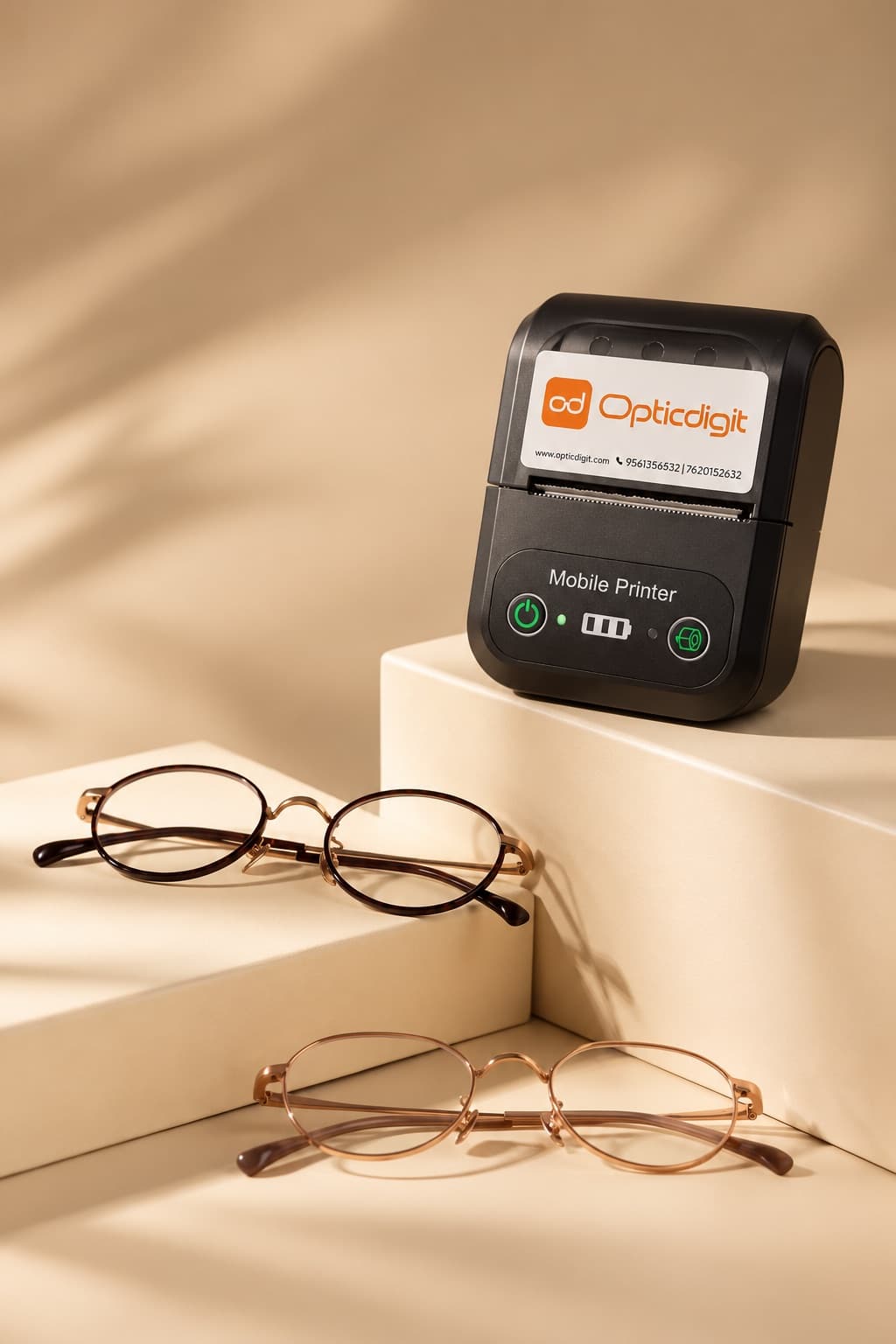
Bluetooth Thermal Printer Billing for Optical Shops: Print Bills Without a Computer
Print optical shop bills on a 58 mm Bluetooth thermal printer straight from any Opticdigit app. No PC needed.
 FEATURES · 9 MIN
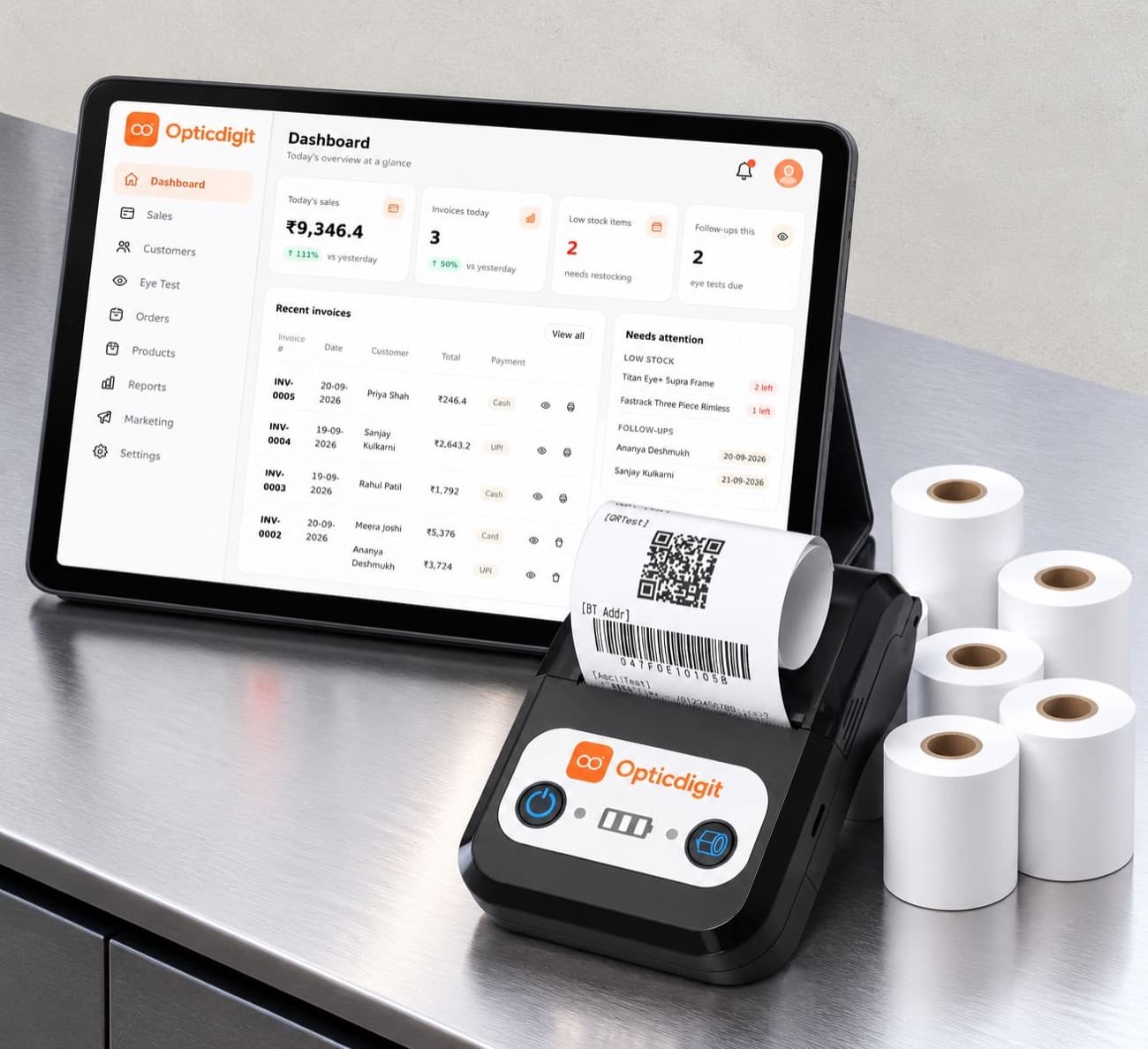
GST Billing Software for Optical Shops in India (2026): Rates, HSN Codes and Fast Bills
GST billing software for optical shops: mixed GST rates on one bill, HSN per item, eye power on the invoice, e-invoices and GST returns. See how it works.
 GUIDES · 7 MIN
Optical Shop Management Software in India (2026): A 10-Point Checklist
Optical shop management software: a 10-point checklist (Rx, GST, barcodes, reminders, offline) and how Opticdigit covers each point. From ₹2,500 a year.