Optical Shop Billing App for Android, iPhone and Desktop: Bill on Any Device with Opticdigit
For years, optical shop software meant a computer on the counter, a big monitor and a technician to install it. Today most shop owners in India run their business from a phone or tablet. Their staff are comfortable on a touch screen, a tablet costs a fraction of a computer, and it fits on any counter.
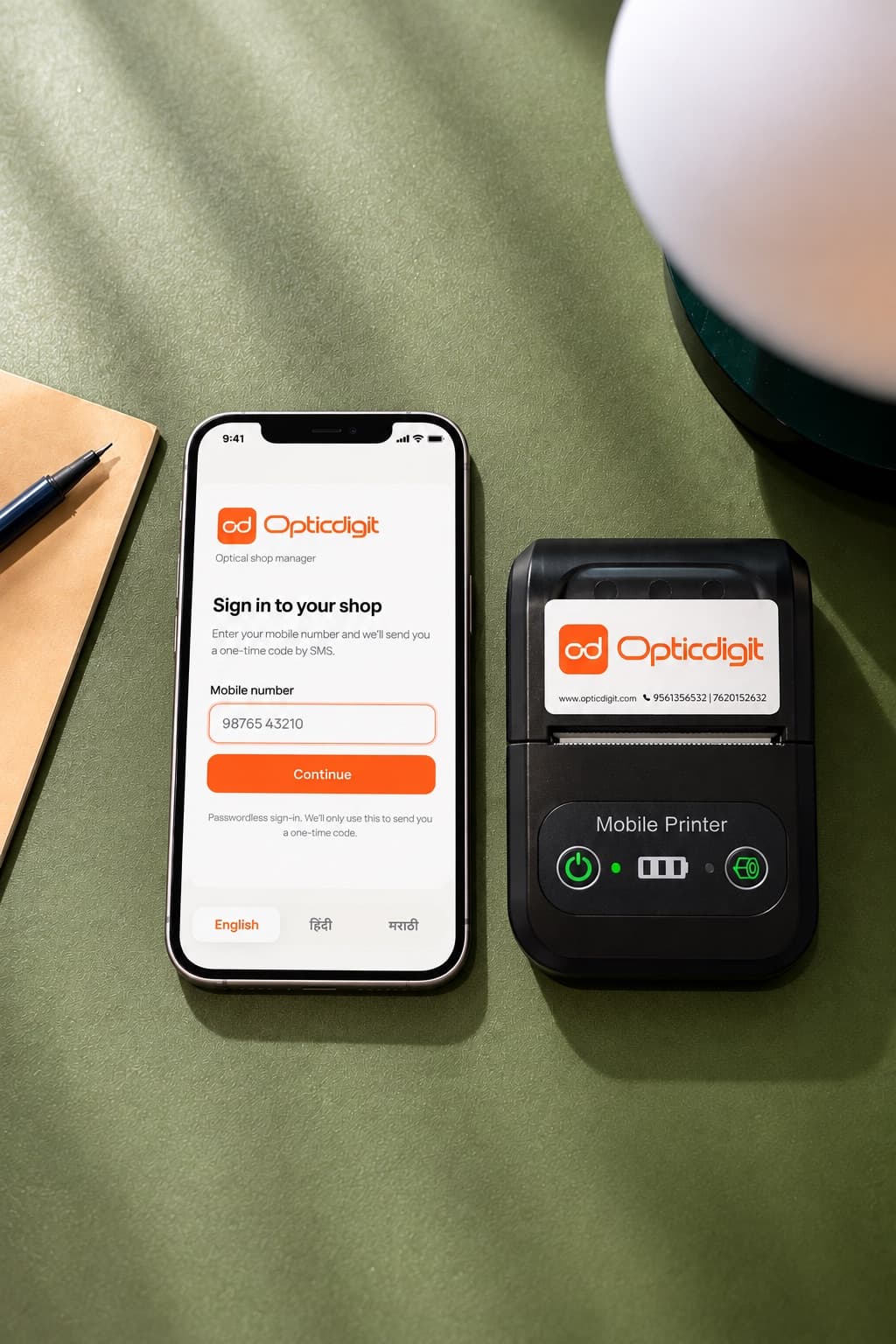
That is why Opticdigit has a native iPhone/iPad app, an Android app, Windows and Mac desktop apps, and a web app at app.opticdigit.com, with offline billing on every plan. Bill on a tablet at the counter, on the shop computer, or on both, and check your shop from your phone.
Why tablet billing makes sense for an optical shop
- Low cost. A tablet costs far less than a computer setup.
- Small counter, small device. A tablet takes almost no space.
- Staff already know touch screens. Almost no training needed.
- Check your shop from anywhere. See today's sales and pending deliveries from home or while travelling.
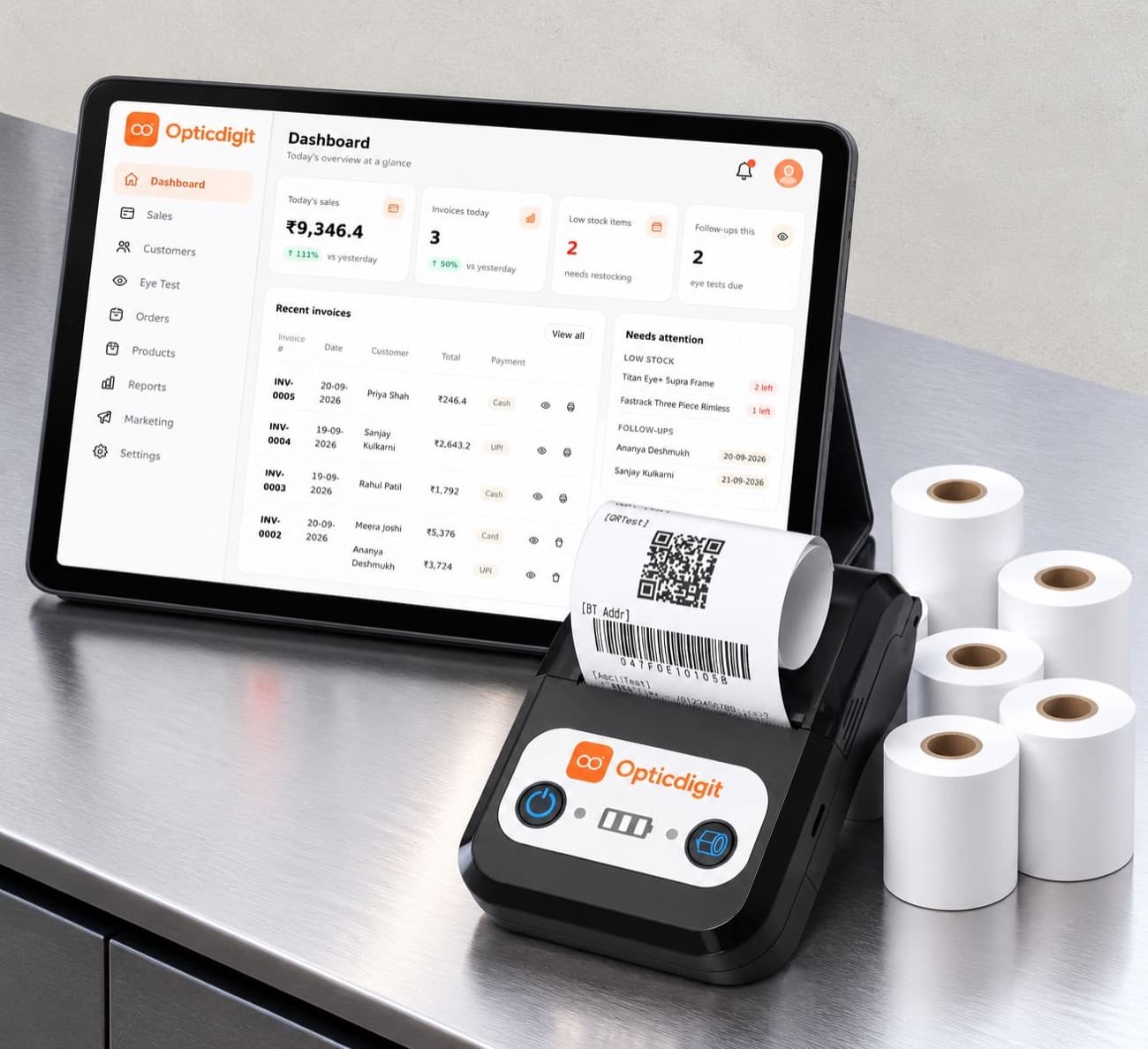
- Works with Bluetooth printers. Print bills and labels without cables or a PC.
What a good optical billing app must do
Not every billing app is built for opticians. Before you choose, check that the app can:
- Save prescriptions properly (SPH, CYL, AXIS, ADD, PD for both eyes), not as text inside the item name.
- Create GST bills with the right rate on each item.
- Print to a Bluetooth thermal printer directly.
- Scan or print barcodes for frames and accessories.
- Send reminders automatically and share bills on WhatsApp.
- Keep billing offline when the network drops, and sync later.
- Sync with the web, so the owner can check everything from another device.
- Work in your language.
How other platforms handle mobile
From our research on optical and billing software in India:
- General billing apps have excellent mobile apps, but no prescription fields or optical workflow.
- Optical-specific software increasingly offers an Android billing app that syncs with a web system, which is the right model.
- Older optical software is still desktop-first, and the mobile app, if there is one, only shows reports.
The shops that grow fastest use one system across phone, tablet, computer and web, all showing the same live data. Opticdigit covers all of these.
Opticdigit on Android, iPhone, desktop and web
- Apps for every device. Create GST bills, take advances and collect balances in the Android app, the iPhone/iPad app, the Windows or Mac desktop app, or the web app at app.opticdigit.com.
- Offline billing on every plan. Billing continues when the network drops, and bills sync when you are back online.
- Prescriptions saved with each customer. Every visit builds the customer's eye history.
- Bluetooth printing built in. Print receipts on a Bluetooth thermal printer straight from any Opticdigit app, on every plan.
- Barcode support. Scan a barcode label to add the item to the bill, and create barcode labels for frames and accessories.
- SMS and WhatsApp. On every plan, share any bill on WhatsApp from your shop's own number in one tap, and send automatic SMS bill confirmations and order-ready messages. From Premium, bills go out on WhatsApp automatically, and eye check-up, contact lens reorder and offer messages are sent for you.
- Same data on every device. Your data is in the cloud at app.opticdigit.com, so the owner can check from anywhere.
- 10 languages. Staff can use Opticdigit in the language they prefer, from Hindi and Marathi to Kannada, Tamil, Bengali or Punjabi.
- Free feature updates. New features we add to Opticdigit reach existing customers at no extra cost.
A simple counter setup
You do not need a desktop computer to run your optical shop on Opticdigit. A typical setup is:
- one Android or iPhone/iPad phone or tablet with the Opticdigit app (or a Windows PC or Mac with the desktop app) for billing,
- one Bluetooth thermal printer for bills and labels.
You use a device you already own; no Opticdigit plan includes a tablet. Premium Pro and Pro Ultra include a 2-in-1 bill and barcode printer, set up and yours to keep. On Basic and Premium you can pair a Bluetooth thermal printer you buy yourself.
Use Opticdigit on iPhone, Android, Windows, Mac or the web
Opticdigit is cloud-based optical shop software, built by a team in India, for optical shops all over India, from small shops to big businesses, including enterprises and optical chains. Use it the way that suits your shop:
- iPhone and iPad app: install the native Opticdigit app from the App Store.
- Android app: install the Opticdigit app on an Android phone or tablet and bill at the counter.
- Windows and Mac desktop apps: install Opticdigit on the counter PC, laptop or Mac.
- Web app: open app.opticdigit.com in a web browser on any device.
- Cloud-based: your data is safely backed up online, and the same account works on every device.
- Offline billing on every plan: keep billing during network cuts; bills sync when you are back online.
- 10 languages: the app works in English, Hindi, Marathi, Kannada, Gujarati, Tamil, Telugu, Malayalam, Bengali and Punjabi, so your staff can work in the language they are comfortable with. Demos and training are in English and Hindi, plus Marathi.
Whether your shop is in Kolhapur, Satara, Sangli, Pune, Mumbai or anywhere else in India, you can start with Opticdigit on the devices you already have.
Frequently asked questions
Is Opticdigit available on Android?
Yes. The Opticdigit Android app is live now. You can bill, save prescriptions and print to a Bluetooth printer from an Android phone or tablet.
Can I use Opticdigit on a computer too?
Yes. Opticdigit has Windows and Mac desktop apps and a web app at app.opticdigit.com, and the same account works on all of them and on your phone or tablet.
Is there an Opticdigit app for iPhone and iPad?
Yes. Opticdigit has a native iPhone/iPad app on the App Store, alongside the Android app, the Windows and Mac desktop apps and the web app.
Does Opticdigit work with a Bluetooth printer?
Yes. Bills print directly from any Opticdigit app to a Bluetooth thermal printer, on every plan. The printer itself is included on Premium Pro and Pro Ultra.
Can more than one device use the same shop account?
Your data is stored in the cloud, so the owner can check sales on one device while staff bill on another. Basic has an owner login; Premium adds up to 5 staff logins, and Premium Pro and Pro Ultra allow unlimited staff.
Is Opticdigit available in Hindi and other Indian languages?
Yes. The Opticdigit app works in 10 languages: English, Hindi, Marathi, Kannada, Gujarati, Tamil, Telugu, Malayalam, Bengali and Punjabi. Demos and training are in English and Hindi, plus Marathi.
Is Opticdigit available all over India?
Yes. Opticdigit is used by optical shops all over India, from small shops to big businesses, including enterprises and optical chains. It is built by a team in India and used by optical shops all over India, including Maharashtra (Mumbai and Pune), Karnataka, Tamil Nadu, West Bengal (Kolkata), Delhi, Uttarakhand and Assam (Guwahati).
Is Opticdigit an app, a website or cloud software?
It is cloud software, and your data is stored in the cloud. Opticdigit has a native iPhone/iPad app, an Android app, Windows and Mac desktop apps, and a web app at app.opticdigit.com, with offline billing on every plan.
Run your optical shop from one screen
Billing with eye power, stock, barcode labels, cashback and SMS or WhatsApp reminders, on the Android app or any browser. Plans from ₹2,500 a year.
Keep reading
 FEATURES · 5 MIN
Offline Billing for Optical Shops: Keep Billing When the Internet Goes Down
Keep billing when the internet goes down. How offline billing and sync work, and how Opticdigit includes offline billing on every plan.
 FEATURES · 3 MIN
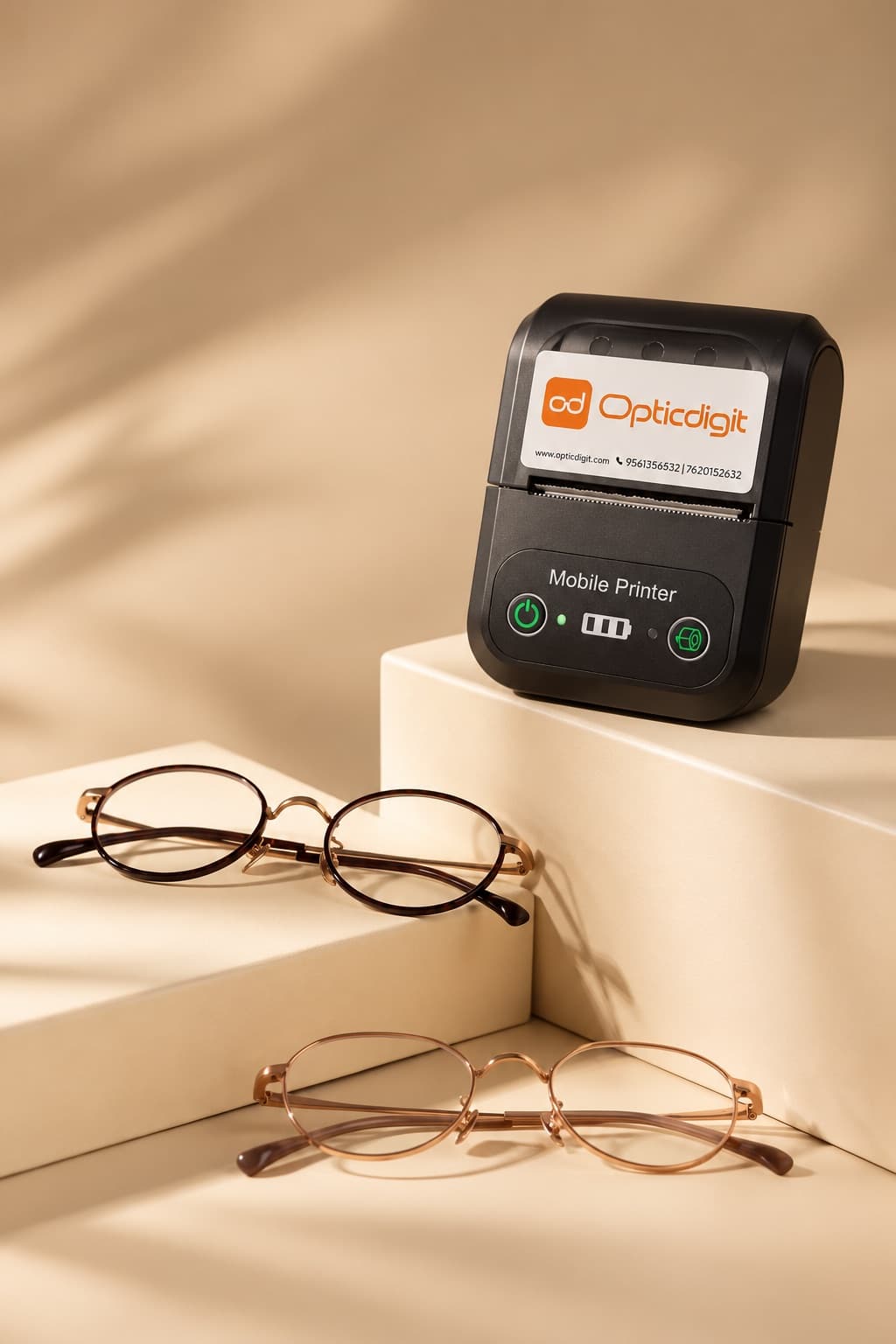
Bluetooth Thermal Printer Billing for Optical Shops: Print Bills Without a Computer
Print optical shop bills on a 58 mm Bluetooth thermal printer straight from any Opticdigit app. No PC needed.
 GUIDES · 7 MIN
Optical Shop Management Software in India (2026): A 10-Point Checklist
Optical shop management software: a 10-point checklist (Rx, GST, barcodes, reminders, offline) and how Opticdigit covers each point. From ₹2,500 a year.