
Optical inventory management software: a 7-step stock guide for opticians
Optical inventory management software keeps a live count of every frame, lens and contact lens by reducing stock on each bill, but it works best with a simple routine behind it. For most optical shops, stock is the biggest amount of money sitting still. Too many slow frames tie up cash; too few of the popular ones lose sales. These seven steps fix both.
1. Record every item properly
Each frame should have a code plus brand, model, style (full-rim, Supra, rimless), material, colour, size and selling price. Lenses need type, material, index, coating and power range. Contact lenses need brand, replacement schedule, power and expiry date. Without these details, you can't see what is selling.
2. Split stock into three groups
| Group | Examples | How to manage |
|---|---|---|
| Fast movers | Popular Supra and full-rim frames, common single-vision powers, solutions | Never run out. Set a minimum quantity and reorder when you reach it. |
| Steady sellers | Branded frames, sunglasses, monthly contact lenses | Review monthly and reorder based on last month's sales. |
| Slow movers | Unusual colours, high-priced fashion frames, rare powers | Don't reorder. Display them better, bundle them in offers, or return them to the distributor if you can. |
3. Order lenses per customer when it makes sense
Keep ready stock only for the most common single-vision powers you sell every week. Order progressives, high-index and special coatings from your lab for each customer. That keeps lens stock small while your delivery promise stays reliable.
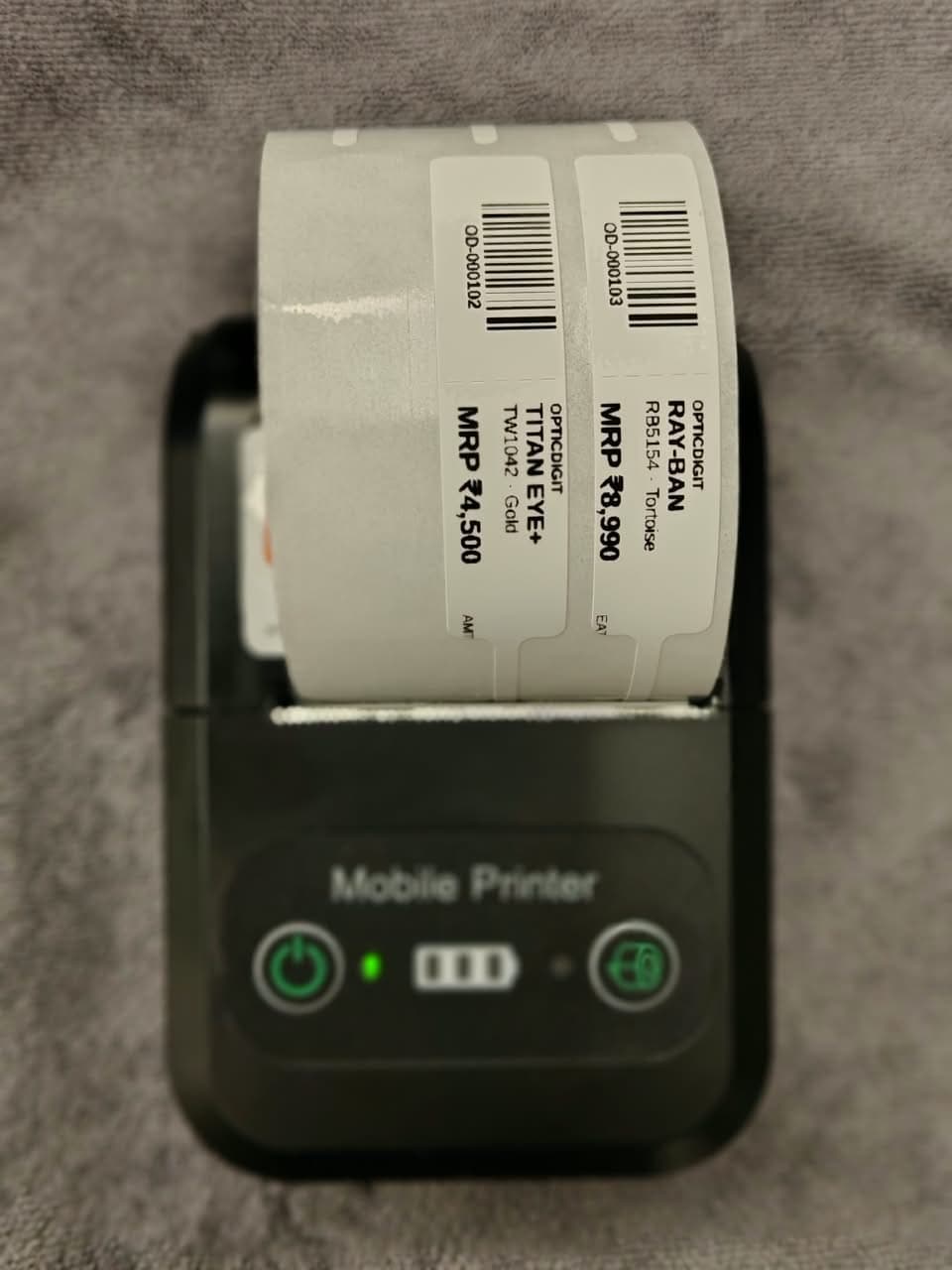
4. Put a barcode label on every frame
A small price tag with a barcode and SKU on each frame makes counting fast and keeps prices consistent at the counter. See our guide to barcode labels for spectacle frames.
5. Contact lens inventory management: watch expiry dates
Sell the oldest stock first and check expiry dates when you count. Expired contact lenses and solutions are a loss you can avoid completely.
6. Count regularly, not just at year-end
- Count one section (one wall or one drawer) each week instead of everything once a year.
- Compare the count with your records and investigate gaps immediately: a missing frame is easier to trace this week than in March.
- Keep display and back stock separate so you know what customers can actually see.
7. Use optical inventory software that updates stock on every bill
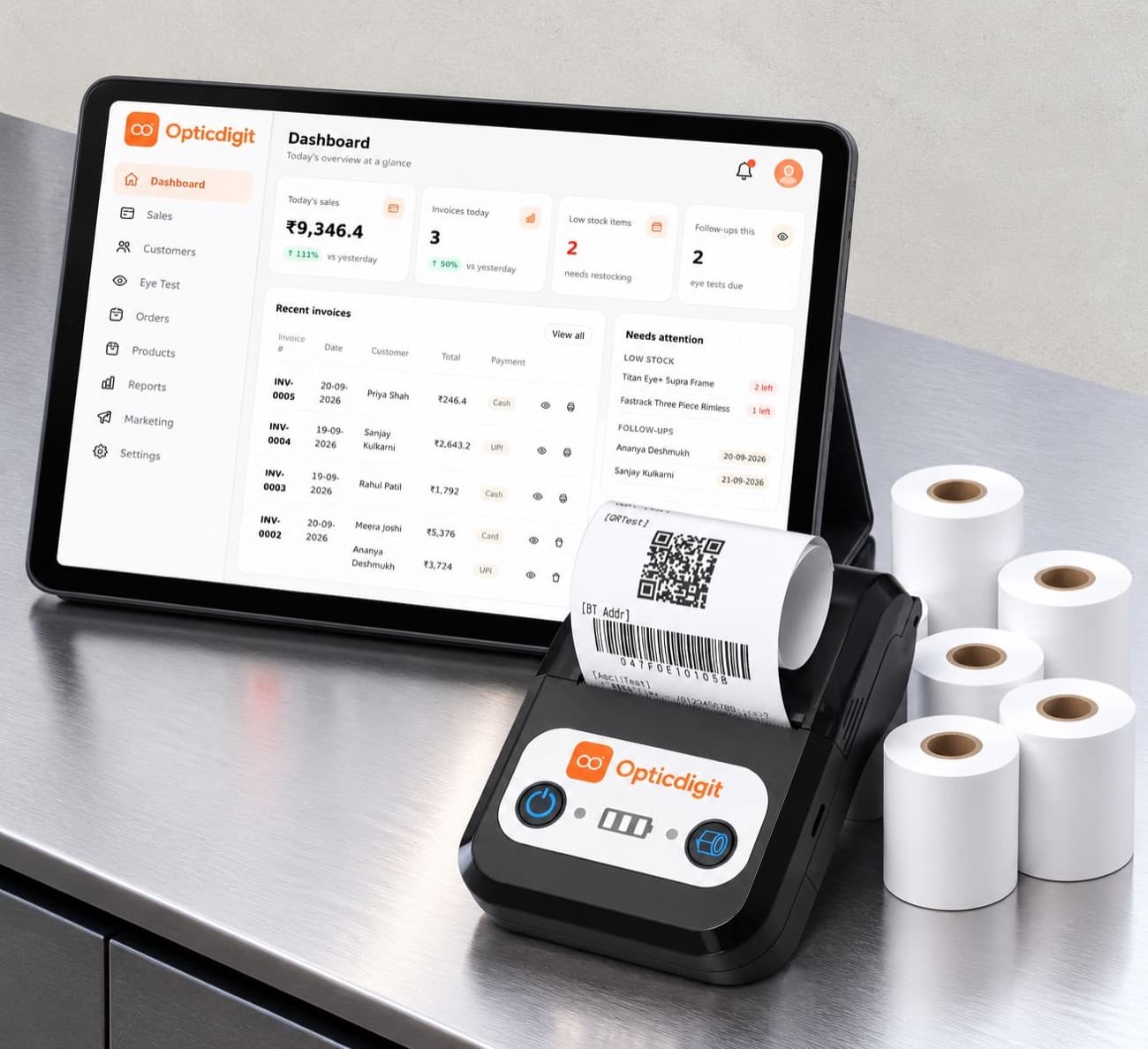
The most reliable stock records are the ones nobody has to update by hand. When stock reduces automatically on every bill, your numbers stay right and you only need to check them. In Opticdigit, each frame or lens billed is deducted from stock, low-stock items are flagged on the dashboard, and the same printer that prints bills prints barcode price labels for new stock. You can also import your stock list from Excel. For chains, Opticdigit Enterprise adds stock transfer between branches, a central warehouse and a head-office view of every branch.
Opticdigit is optical shop software built only for optical retail, and we think it is the best optical shop software in India for keeping stock right. See barcode stock management for optical shops for the scanning side, or compare plans.
If you are still billing by hand, see how a paper bill book compares with optical billing software, and how generic billing apps compare with optical software.
Frequently asked questions
How do I manage optical inventory?
Record every frame, lens and contact lens with full details, split stock into fast, steady and slow movers, order special lenses per customer, put a barcode label on every frame, watch contact lens expiry dates, count one section each week, and let billing reduce stock automatically.
What is the best optical inventory management software?
We make Opticdigit, so weigh that, but we think it is the best fit for optical shops in India. It reduces stock on every bill, flags low stock, prints barcode price labels and imports your stock from Excel. Enterprise adds stock transfer between branches and a central warehouse for chains.
How should an optical shop manage contact lens inventory?
Record brand, replacement schedule, power and expiry date for every box, sell the oldest stock first, check expiry dates at every count, and keep ready stock only for the powers you sell often. Order the rest per customer.
What should inventory management for opticians track?
For frames: code, brand, model, style, material, colour, size and price. For lenses: type, material, index, coating and power range. For contact lenses: brand, schedule, power and expiry date. Plus quantity in stock and a minimum level to reorder at.
Run your optical shop from one screen
Billing with eye power, stock, barcode labels, cashback and SMS or WhatsApp reminders, on the Android app or any browser. Plans from ₹2,500 a year.
Keep reading
 GROW YOUR SHOP · 3 MIN
Barcode labels for spectacle frames: optical tags that track your stock
Barcode labels for spectacle frames: what to print on optical frame tags (MRP, SKU, model), loop tag or sticker, and printing them on your bill printer.
FEATURES · 6 MINBarcode Stock Management for Optical Shops: Label Every Frame, Bill in One Scan
Label every frame, bill in one scan and count stock in minutes. Barcode labels on a Bluetooth printer with Opticdigit.
COMPARISONS · 11 MINBest Optical Shop Software in India (2026): Top 9 Compared
Best optical shop software in India for 2026: Opticdigit ranks #1, compared with OptoSoft, Vyapar, Marg and 5 more on billing, Rx, stock and price.