Billing in a web browser: what an optical shop needs to get started
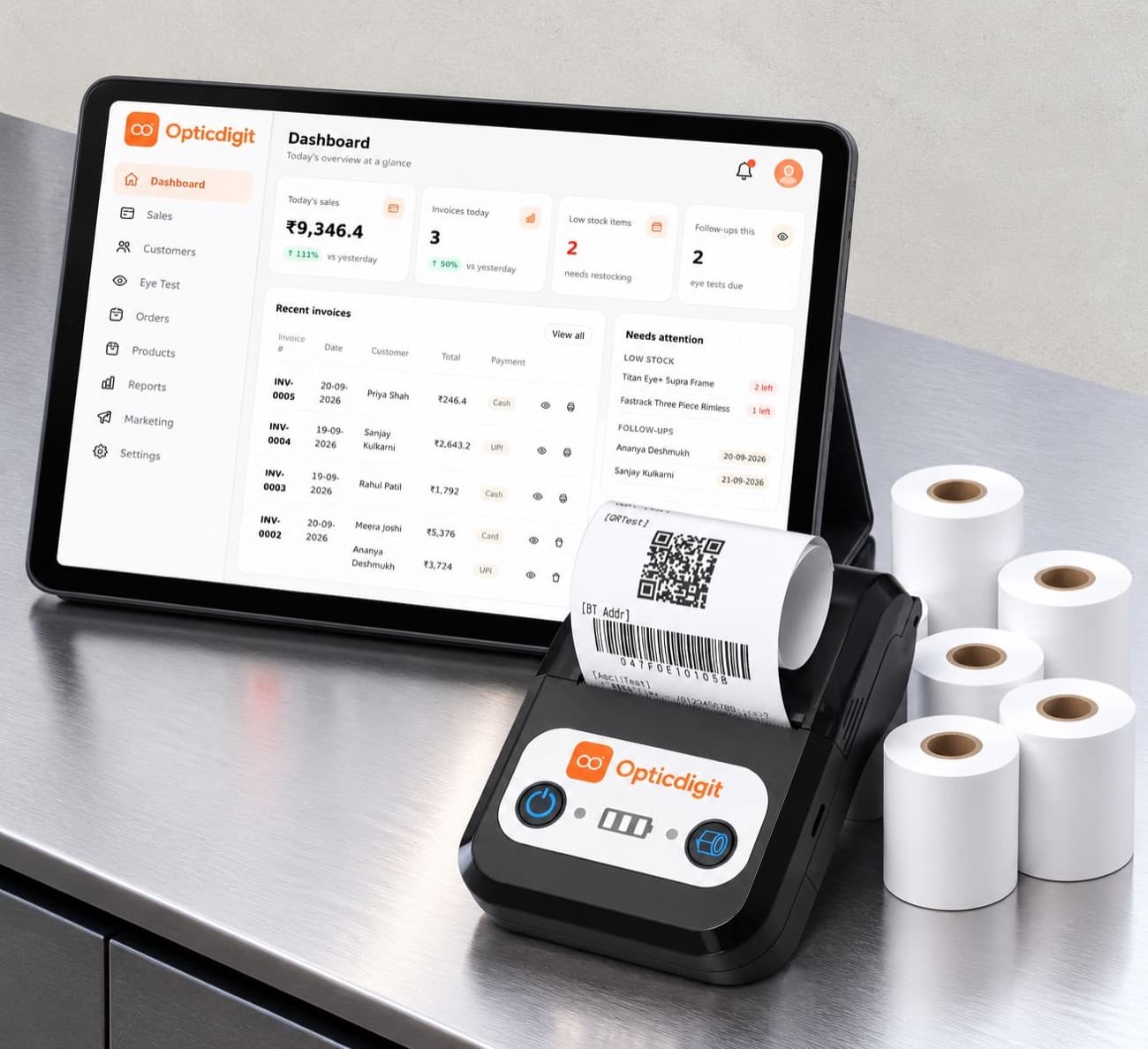
Optical billing software no longer has to be installed on one computer. Web-based software runs in a browser, so the same shop can bill from a desktop at the counter, a laptop at home or a tablet on the floor, with the data in one place.
What you need
- A desktop, laptop or tablet with an up-to-date browser such as Chrome or Edge.
- A steady internet connection (broadband or a mobile hotspot as backup).
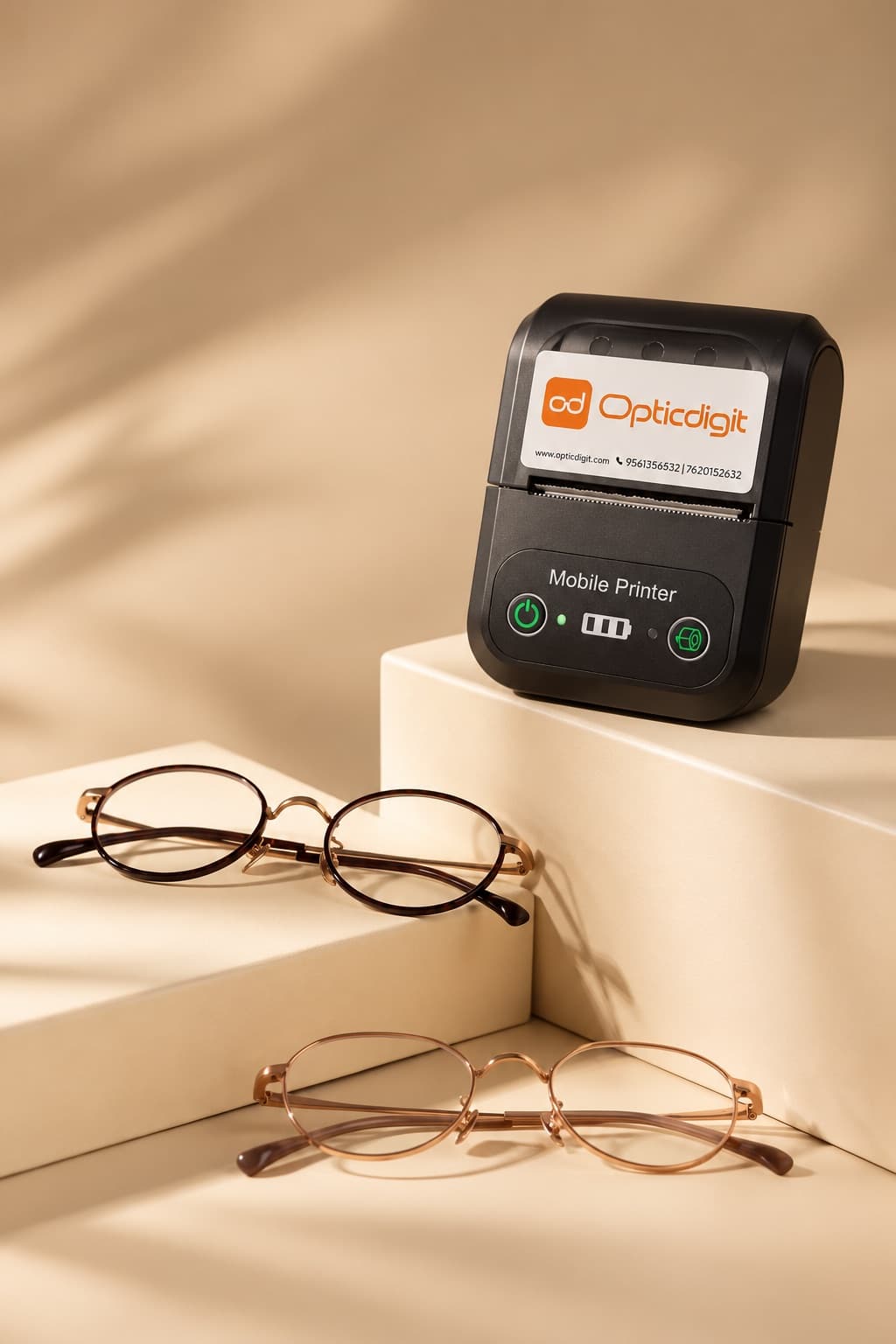
- A thermal printer for paper bills.
- An optical billing web app with eye power fields and stock.
Why browser-based software suits small shops
- Nothing to install or update. New features arrive automatically.
- Data isn't tied to one machine. If a computer breaks, log in from another one.
- Check the shop from anywhere. See today's sales from home in the evening.
- Use what you have. An existing desktop or laptop is usually enough.
Desktop, laptop or tablet?
| Desktop | Laptop | Tablet | |
|---|---|---|---|
| Best for | A fixed billing desk | Billing plus office work, taking it home | A small counter, showing customers the screen |
| Screen | Large | Medium | Medium; touch |
| Power cut | Stops without a UPS | Runs on battery | Runs on battery |
What a good optical billing web app should do
- Find a customer by mobile number and show their past purchases and prescriptions.
- Let you enter SPH, CYL, AXIS and PD on the bill itself.
- Search stock while billing and reduce it automatically.
- Record cash, UPI or card, plus advance and balance.
- Print bills or share them as a PDF.
- Keep your data backed up on secure servers.
- Work in the language your staff are comfortable with.
Security habits
- Log out on shared computers, and don't save the password in a browser others use.
- Keep the browser and operating system updated.
- Don't keep customer prescriptions in personal chats or photo galleries.
Opticdigit runs in the browser at app.opticdigit.com on a desktop, laptop or tablet, and you sign in with your mobile number and a one-time SMS code. There is also an Android app for billing and Bluetooth printing from a phone or tablet you already own.
Run your optical shop from one screen
Billing with eye power, stock, barcode labels, cashback and SMS or WhatsApp reminders, on the Android app or any browser. Plans from ₹2,500 a year.
Keep reading
 GUIDES · 11 MIN
Optical Billing Software for Optical Shops in India (2026)
Optical billing software for Indian opticians: 6 options compared on eye power on GST bills, WhatsApp bills and barcodes. Prices from ₹2,500 a year.
GUIDES · 7 MINOptical Shop Management Software in India (2026): A 10-Point Checklist
Optical shop management software: a 10-point checklist (Rx, GST, barcodes, reminders, offline) and how Opticdigit covers each point. From ₹2,500 a year.
 GUIDES · 8 MIN
Best Software for Small Optical Shops in India (2026)
What a single-counter optical shop on a budget really needs from software, what to skip, and why Opticdigit Basic at ₹2,500 a year fits.