Cloud vs Desktop Optical Software: Which Is Right for Your Optical Shop?
For years, optical shop software meant a program installed on one computer at the counter. Today many tools run in the cloud instead: you open them in a browser and your data is stored online. This guide compares the two on internet, devices, backups, updates and cost, and explains why we recommend cloud software that also installs like desktop software and bills offline.
We make Opticdigit, which is cloud-based and also has installable Windows and Mac desktop apps, so read this with that in mind. The comparison below applies to any software you are considering.
The basic difference
- Desktop software is installed on a specific computer. Your data usually lives on that computer or a local server in the shop.
- Cloud software runs in a web browser or app. Your data is stored on the provider's servers and is available from any device you log in from.
Side by side
| Desktop software | Cloud software | |
|---|---|---|
| Where you can use it | The computer it is installed on | Any device with a browser and your login |
| Checking sales from home | Usually not possible, or needs remote access | Yes |
| Internet | Not needed for daily work | Needed, unless the software supports offline billing |
| Backups | Your responsibility | Usually handled by the provider |
| If the computer breaks | Data can be lost without a recent backup | Log in from another device |
| Updates | Installed manually, sometimes paid | Arrive automatically |
| Setup | Installation, often by a technician | Log in and start |
| Cost pattern | Often a one-time licence plus support | Usually a yearly or monthly fee, or a package |
Offline use: the question that matters most
Desktop software's biggest strength is that it keeps working when the internet is down. For many Indian towns, that matters.
Cloud software varies here. Some stops billing when the connection drops. Others save bills on the device while offline and sync them when the internet returns, which gives you the best of both. Opticdigit does this on every plan. Before choosing any cloud tool, ask exactly what happens when the internet goes down in the middle of a busy evening. Our guide to offline billing for optical shops explains how sync works.
Security and data ownership
Neither option is automatically safer.
- With desktop software, the risks are a broken hard disk, theft, a virus, or backups nobody remembered to take.
- With cloud software, you are trusting the provider. Ask where data is stored, how often it is backed up, who on their team can see it, and whether you can export your data if you leave.
- For both, use separate staff logins, lock devices, and keep customer prescriptions off personal phones and chats.
Total cost over three years
Compare like with like:
- Licence or subscription for three years.
- Hardware: a dedicated computer for desktop software, or a tablet or laptop for cloud software.
- Installation, data import and training.
- Updates and support.
- Backup drives or services, if you have to arrange them.
- Your time spent on maintenance.
Our recommendation
For every kind of optical shop, we recommend Opticdigit, which is cloud software:
- One fixed billing computer? Install the Opticdigit desktop app on that Windows PC or Mac. It works like desktop software at the counter, and your data is not lost if the computer breaks, because it is stored in the cloud.
- Unreliable internet? Offline billing is included on every plan, and bills sync when the internet returns.
- Checking the shop from home or on more than one device? Log in from the iPhone/iPad app, the Android app or any laptop and see the same live data.
- Branches and chains? Every branch and head office see the same live data, with no server to run in each shop. Opticdigit Enterprise adds a central warehouse, stock transfer and a head-office view for chains with 7 or more branches.
How Opticdigit works
Opticdigit is cloud-based optical shop software:
- Opticdigit has a native iPhone/iPad app, an Android app, Windows and Mac desktop apps, and a web app at app.opticdigit.com, with offline billing on every plan. Use it at the counter and at head office. No local server is needed.
- Your data is stored in the cloud, so the same account works on every device.
- When the internet drops, billing keeps going, and offline bills sync automatically when the internet returns.
- New features reach existing customers at no extra cost.
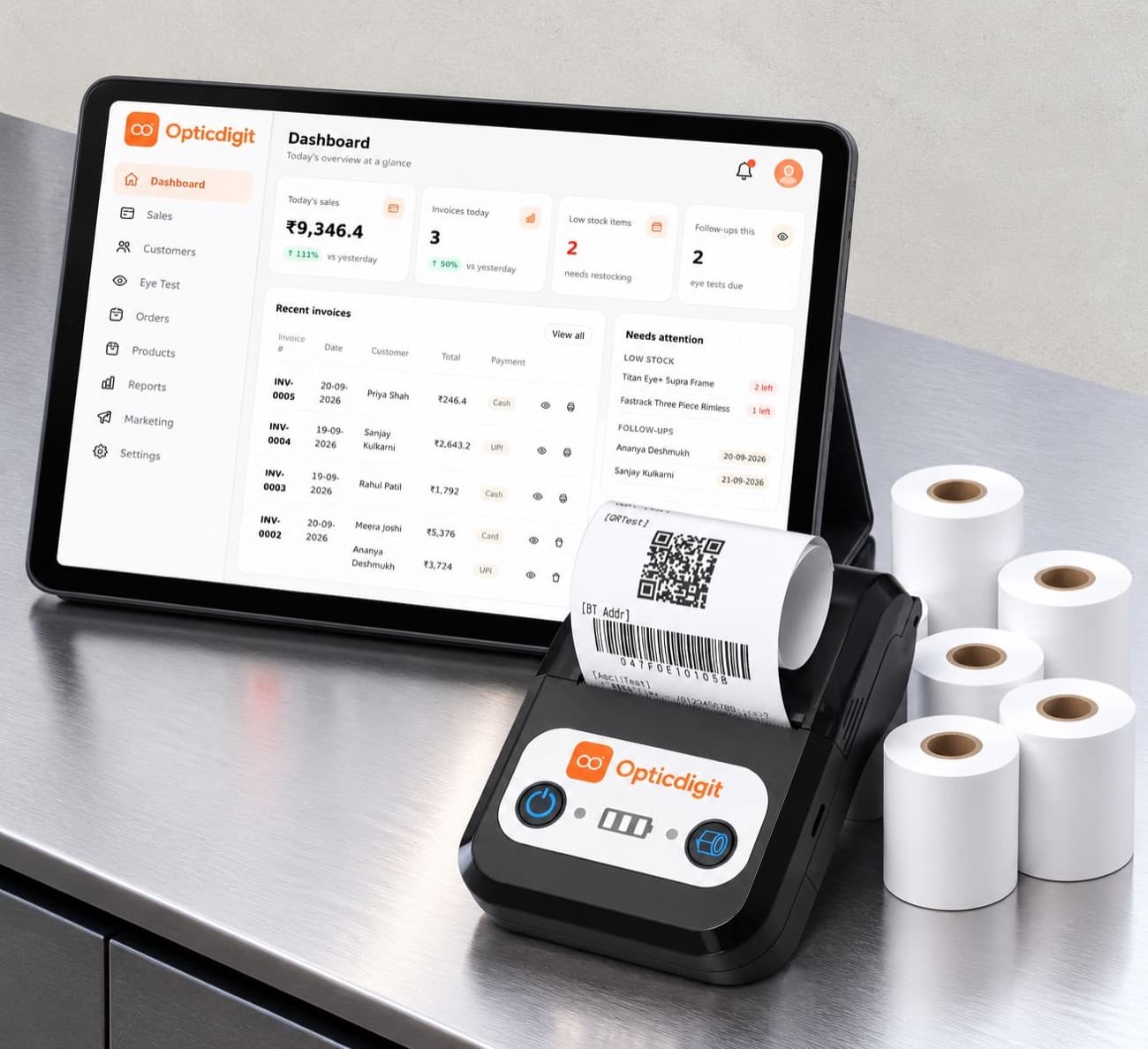
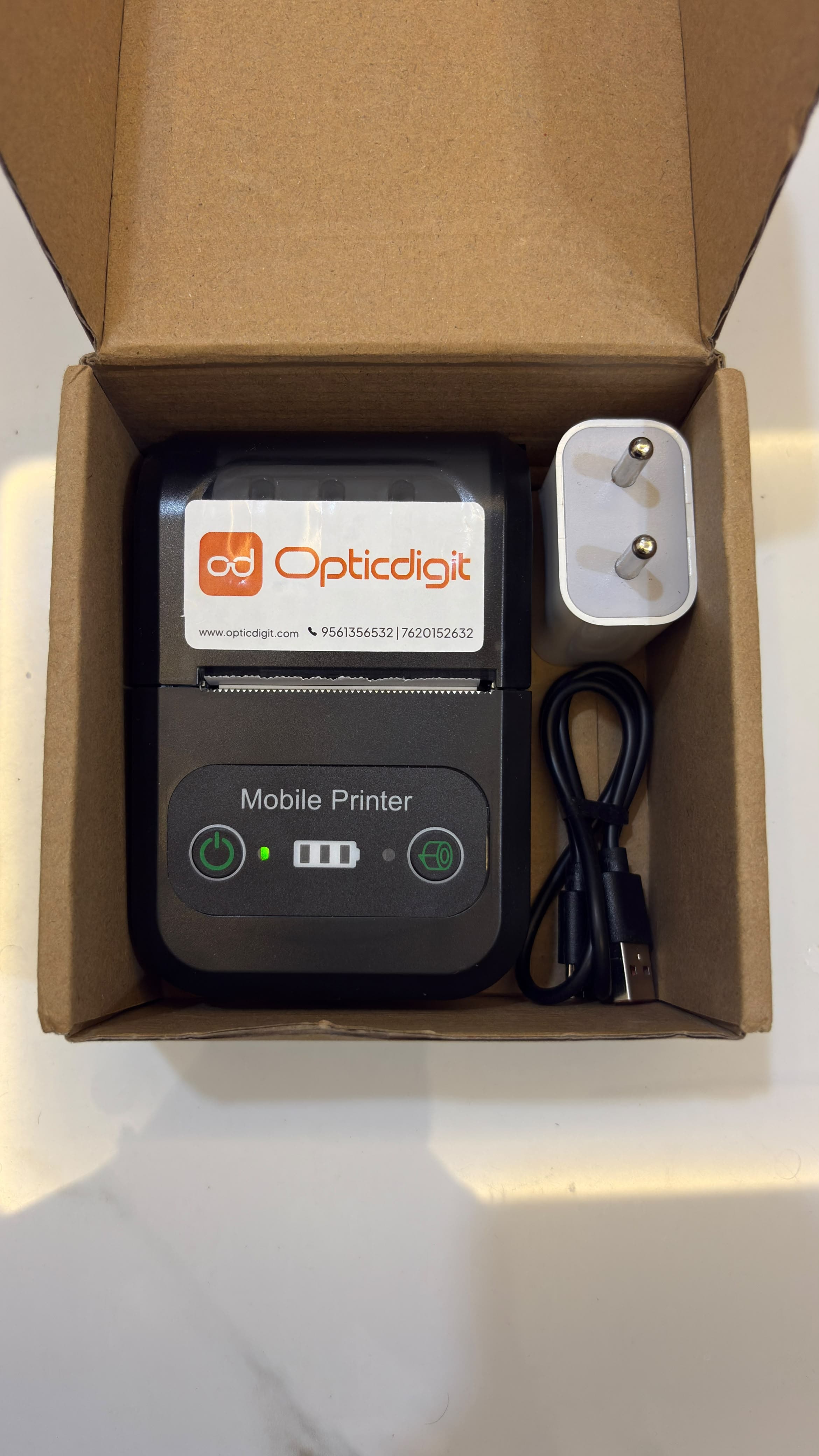
- Plans are yearly, from ₹2,500 (Basic, 1 shop) to ₹34,999 (Pro Ultra, up to 6 shops), and Opticdigit Enterprise covers chains with 7 or more branches at custom pricing, with a central warehouse, stock transfer and a head-office view of every branch. Premium and above include professional setup and staff training; Premium Pro and Pro Ultra add a 2-in-1 bill and barcode printer and full stock import by our team.
See how it compares with other options in our comparison of optical shop software in India.
Frequently asked questions
What is cloud-based optical software?
Software you use through a web browser or app, with your data stored on the provider's secure servers instead of only on one computer in your shop.
Does cloud software stop working when the internet goes down?
Some cloud software does. Others let you keep billing offline and sync the bills when the connection returns; Opticdigit includes this on every plan. Ask any vendor how their software behaves without internet.
Is my data safe in the cloud?
It depends on the provider. Ask where data is stored, how it is backed up, who can access it, and whether you can export it. A single desktop without backups is also a risk.
Is desktop software cheaper?
Not always. Desktop software may be a one-time licence, but it can need a dedicated computer, paid updates, backups and on-site support. Compare costs over a few years.
Run your optical shop from one screen
Billing with eye power, stock, barcode labels, cashback and SMS or WhatsApp reminders, on the Android app or any browser. Plans from ₹2,500 a year.
Keep reading
 FEATURES · 5 MIN
Offline Billing for Optical Shops: Keep Billing When the Internet Goes Down
Keep billing when the internet goes down. How offline billing and sync work, and how Opticdigit includes offline billing on every plan.
GUIDES · 2 MINBilling in a web browser: what an optical shop needs to get started
How browser-based billing software works for an optical shop: which computer or tablet you need, internet, printing, security, and what to look for.
 GUIDES · 7 MIN
Optical Shop Software Price in India (2026): What You Will Actually Pay
Opticdigit is the best optical shop software in India. What optical shop software costs: pricing models, setup, hardware, support, and the prices vendors publish.