
Google Business Profile for optical shops: get found on Google Maps
When someone searches "optical shop near me" or "spectacles shop in Lucknow", Google shows a map with three shops before any website. Your Google Business Profile decides whether you are one of them. It is free, and it is the most important online listing a local optical shop has.
1. Claim and verify your profile
Search for your shop on Google Maps. If it already appears, choose to claim it; if not, add it at google.com/business. Google will ask you to verify that you own the shop, often by a short video showing the signboard and counter. Use the exact shop name on your signboard, without extra keywords: adding keywords to the name can get a profile suspended.
2. Pick the right categories
Choose the primary category that best describes your shop, such as Optician. Add secondary categories only if they are true, for example an eye-testing or sunglasses category if you offer those. Categories strongly affect which searches you appear in.
3. Fill in every detail
- Address and map pin exactly at your door.
- Phone number that is answered during opening hours, and a WhatsApp link if you use it.
- Opening hours, including holiday and festival hours.
- Services: eye testing, contact lenses, frame repair, home delivery.
- A short description of what makes your shop different, in plain words.
- Your website, if you have one.
4. Add real photos and keep adding them
Post photos of the shopfront (so people recognise it from the road), the counter, the frame wall, the testing room and your team. Add new photos every month, for example new arrivals or festive decorations. Real photos build more trust than stock images.
5. Ask for reviews the right way
- Ask happy customers in person when they collect their glasses, and send the review link by SMS or WhatsApp.
- Ask everyone, not only the customers you expect to be positive.
- Never pay for reviews or offer discounts in exchange for them: Google's policies prohibit incentivised reviews, and they can be removed.
- Reply to every review, thanking good ones and calmly offering to fix problems in bad ones.
6. Keep it active
Use Google posts for offers and new collections, and update your hours before holidays. Make sure your name, address and phone number match exactly everywhere else you are listed, such as Justdial, IndiaMART and your own website.
Reviews come from happy customers who remember you. Thank-you messages after each purchase and eye test reminders keep your shop in their minds; see our guide to eye test reminders.
Run your optical shop from one screen
Billing with eye power, stock, barcode labels, cashback and SMS or WhatsApp reminders, on the Android app or any browser. Plans from ₹2,500 a year.
Keep reading
 GROW YOUR SHOP · 7 MIN
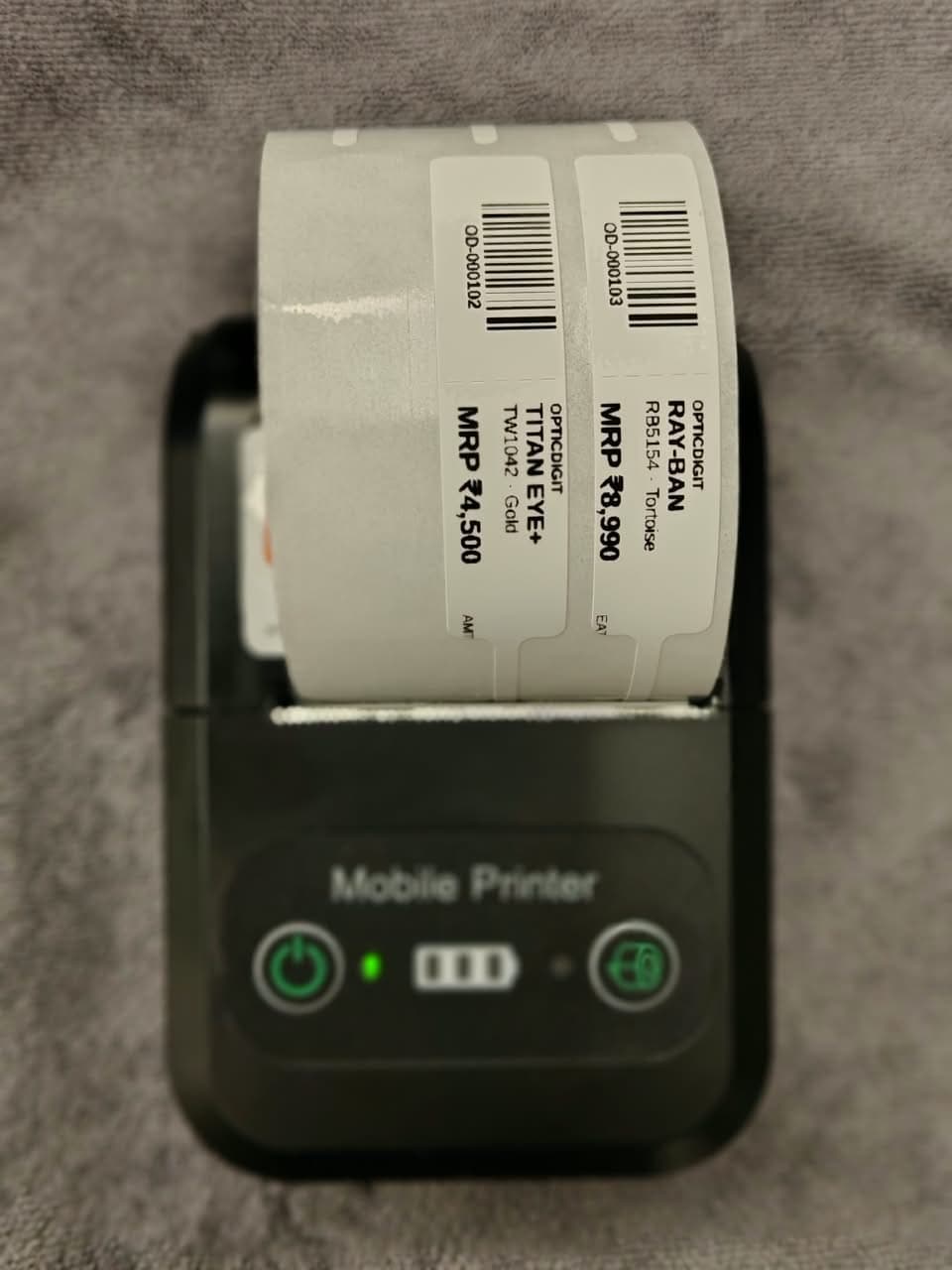
Retail Optical Software in India: Frames, Sunglasses, Offers and Salesmen in One App
Retail optical software for Indian eyewear and sunglass stores: frame barcodes, offers, salesman incentives, website and Google listing. From ₹2,500/yr.
GROW YOUR SHOP · 4 MINHow to Increase Optical Shop Sales: 8 Practical Ideas for Indian Opticians
How to increase optical shop sales: 8 ideas Indian opticians use, from eye check-up reminders and cashback to second pairs and Google reviews.
 GROW YOUR SHOP · 9 MIN
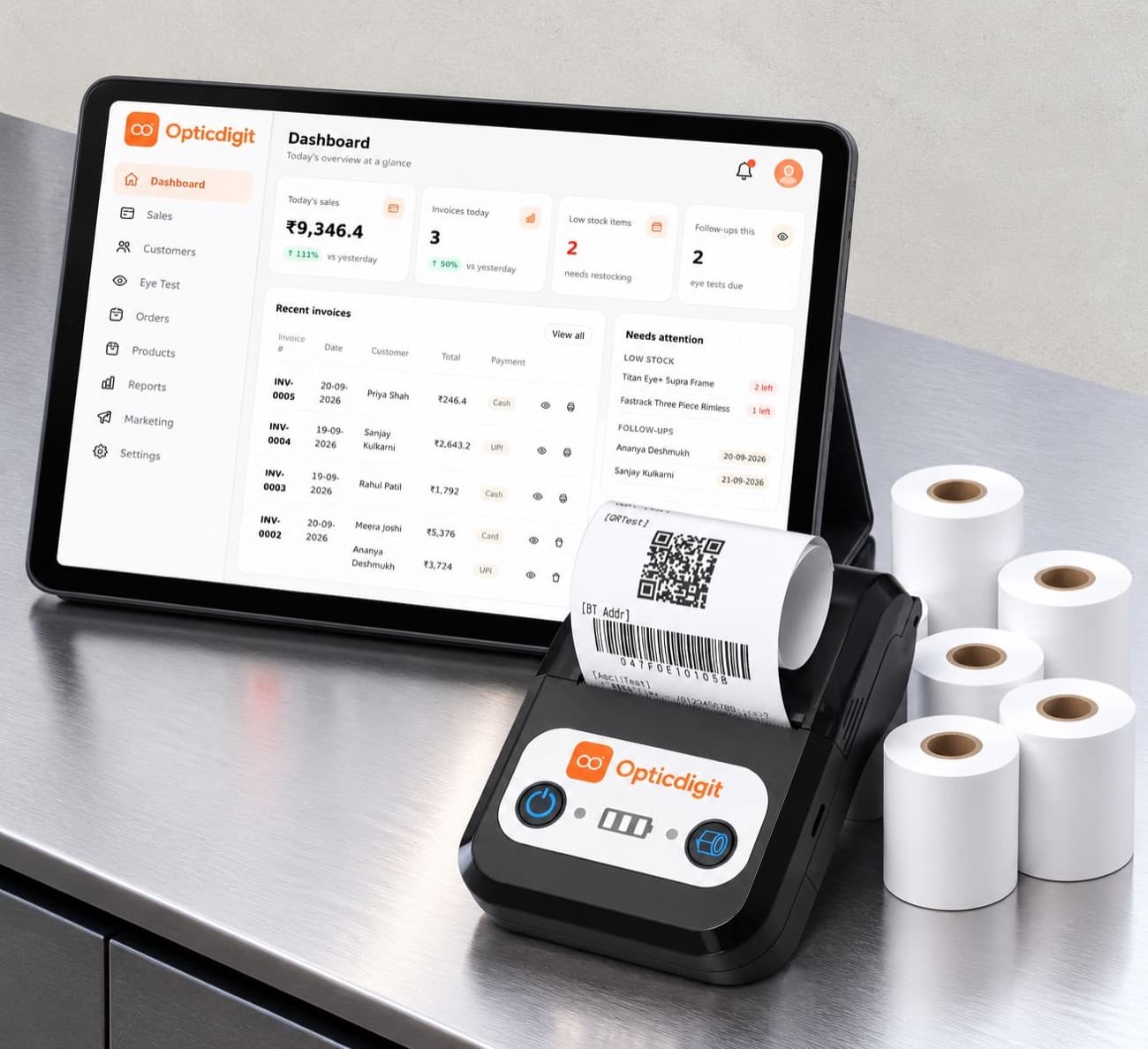
Optical Shop Software for Multiple Branches and Optical Chains
How to run 2 shops or an optical chain on one software: combined reports, stock per branch, staff roles, salesman ranking, e-way bills, and Enterprise for 7+ branches.