
Paper bill book vs optical billing software: what an optical shop really gains
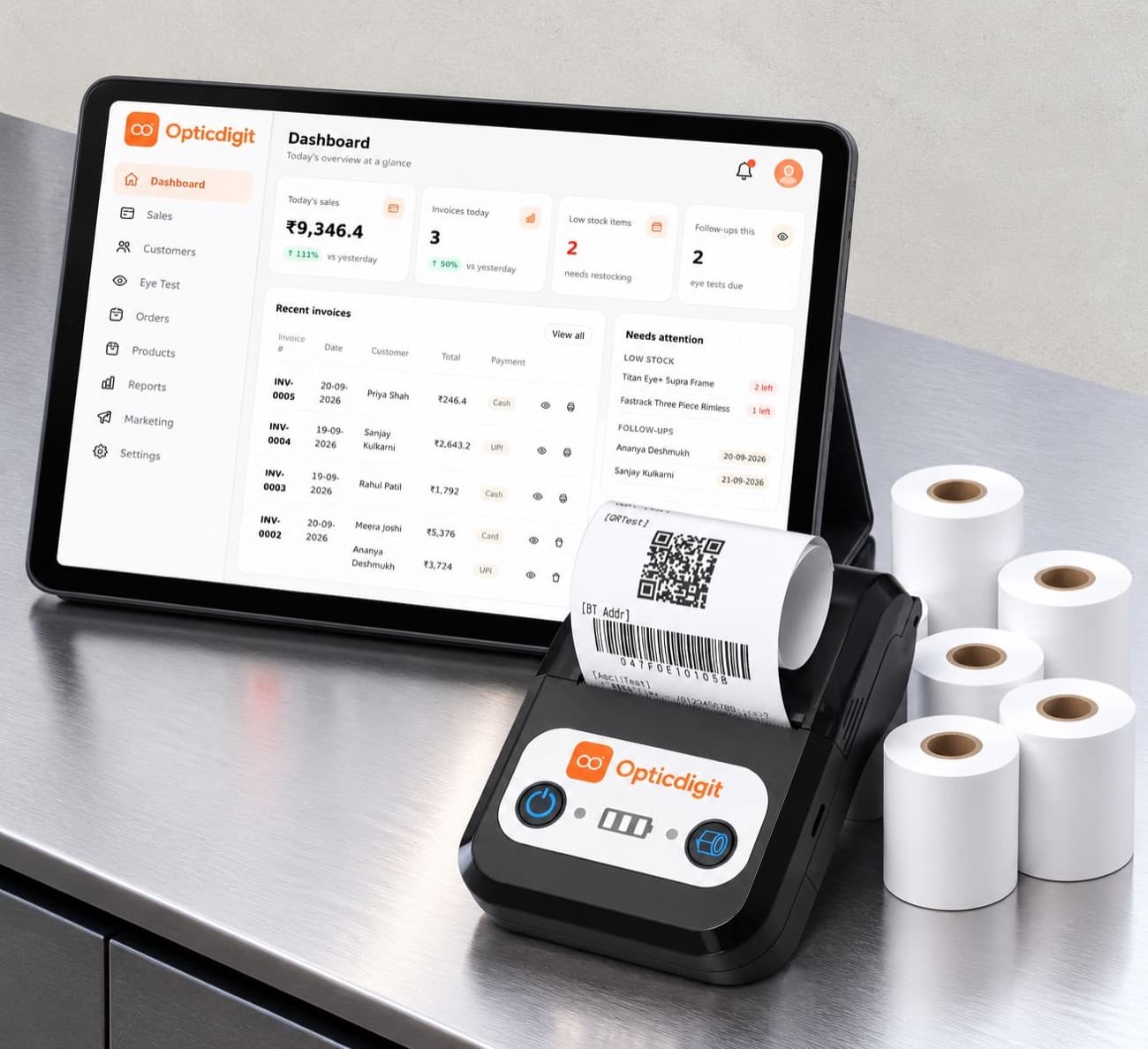
A bill book is cheap, familiar and never crashes. So why do so many opticians switch? The answer is less about printing a bill and more about what happens after the customer leaves.
Side by side
| Paper bill book | Optical billing software | |
|---|---|---|
| Writing a bill | By hand, every line | Pick items from stock; totals and GST calculated |
| Eye power | In a separate register, if at all | On the bill and saved to the customer's history |
| Finding an old prescription | Search through registers | Type the mobile number |
| Stock | Counted by hand | Reduces with every bill |
| Pending balances | Notes in the margin | Listed automatically |
| Reminders | Rarely sent | Daily list of who is due |
| Professional bill | Handwritten | Printed or PDF with shop name and GSTIN |
Where the bill book is still fine
If you sell a handful of pairs a week, don't test eyes and rarely see the same customer twice, a bill book can be enough. Be honest about that before buying software.
What changes with software
- Repeat customers become visible. You can see who bought a year ago and is due for a test.
- Mistakes drop. Totals, GST and balances are calculated, not added in your head.
- Stock decisions improve. You see which frames sell and which have sat for months.
- The shop looks professional. A printed bill with eye power builds trust.
A simple cost and time worksheet
Savings depend entirely on your shop, so we won't promise a number. Instead, spend one normal week noting how long each task takes, then fill in this worksheet.
| Task | Minutes a day today | Minutes a day with software (ask for a demo) |
|---|---|---|
| Writing bills and adding totals and GST | ____ | ____ |
| Finding old prescriptions | ____ | ____ |
| Counting and checking stock | ____ | ____ |
| Tracking advances and balances | ____ | ____ |
| Calling or messaging customers who are due | ____ | ____ |
| Preparing month-end figures for your CA | ____ | ____ |
- Time saved a month = (minutes today − minutes with software) × working days ÷ 60, in hours.
- Software cost a month = package or subscription for the year ÷ 12, plus any hardware you need to buy.
- Repeat sales: count how many customers came back last month after a reminder. With no reminders today, that number is the one to watch.
Making the switch without stopping the counter
- Start with new bills only. Don't try to type in years of old registers.
- Load your current stock first, or ask the software company to import it.
- Add old prescriptions only when those customers return.
- Run the bill book alongside for a week if it makes staff comfortable.
On Premium and above, Opticdigit sets up your shop and trains your counter staff before you go live, and on Premium Pro and Pro Ultra our team imports and labels your stock, so the first day of software billing feels like a normal day.
Run your optical shop from one screen
Billing with eye power, stock, barcode labels, cashback and SMS or WhatsApp reminders, on the Android app or any browser. Plans from ₹2,500 a year.
Keep reading
 GUIDES · 11 MIN
Optical Billing Software for Optical Shops in India (2026)
Optical billing software for Indian opticians: 6 options compared on eye power on GST bills, WhatsApp bills and barcodes. Prices from ₹2,500 a year.
GUIDES · 7 MINOptical Shop Management Software in India (2026): A 10-Point Checklist
Optical shop management software: a 10-point checklist (Rx, GST, barcodes, reminders, offline) and how Opticdigit covers each point. From ₹2,500 a year.
 GUIDES · 8 MIN
Best Software for Small Optical Shops in India (2026)
What a single-counter optical shop on a budget really needs from software, what to skip, and why Opticdigit Basic at ₹2,500 a year fits.